Business Card Color Accuracy: CMYK Conversion and Proof Checking
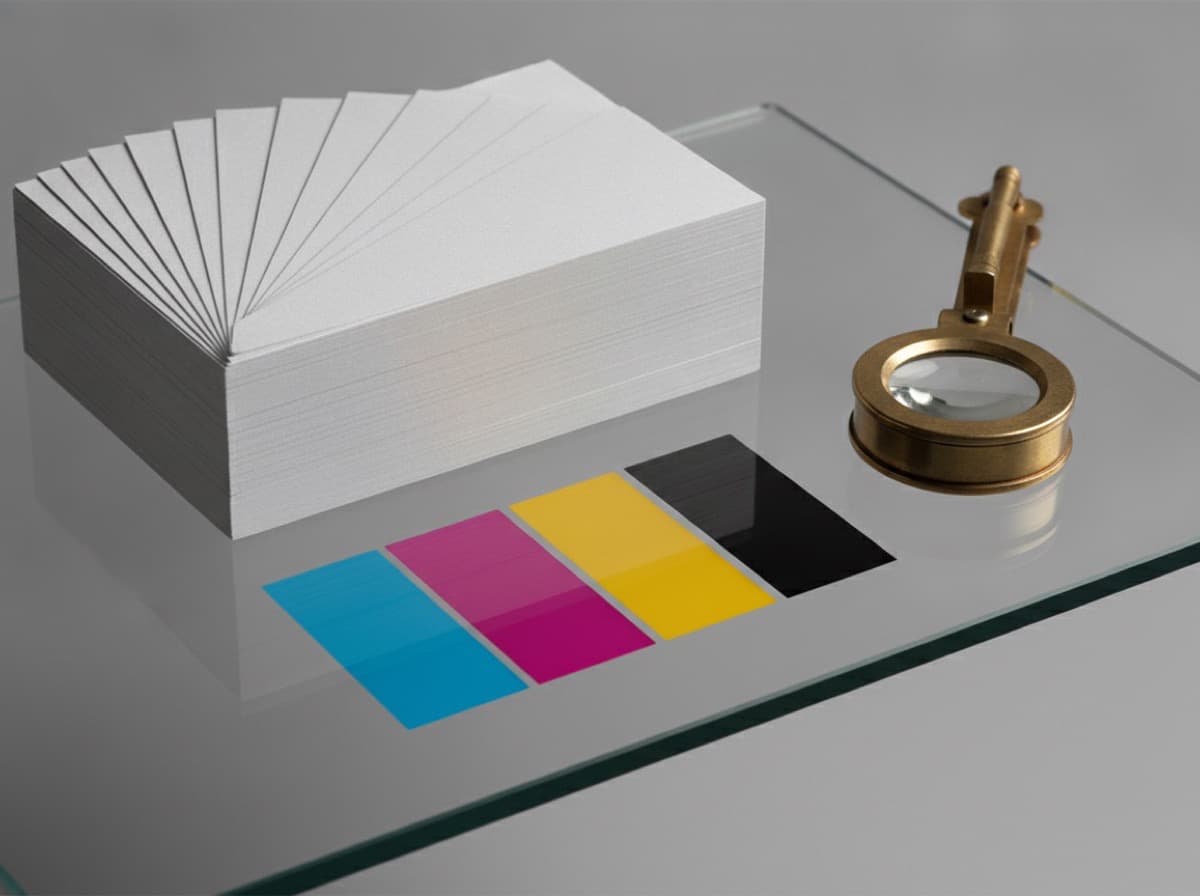
You've perfected the colors on screen — then the printed cards arrive looking dull or off. It's one of the most frustrating experiences in print design, and it almost always comes down to the difference between how screens (RGB) and presses (CMYK) reproduce color. Here's how to close that gap.
RGB vs. CMYK: The Core Difference
Monitors emit light and build color from red, green, and blue (RGB). Printing presses deposit ink in four channels: Cyan, Magenta, Yellow, and Black (CMYK). RGB has a wider color gamut, meaning some vivid greens, blues, and neon tones simply can't be reproduced in CMYK — they'll appear less saturated on press.

Start in CMYK from the Beginning
For print work, set your document's color mode to CMYK before you place a single element. Converting an RGB file at the end of production often produces unexpected color shifts. Set resolution to 300 DPI or higher.
Getting Deep, Rich Black
Printing with K100 alone can produce a slightly gray-looking black on press. For large, solid black backgrounds, use rich black:
- Body text and fine details: K100 only
- Large solid backgrounds: C40 M30 Y30 K100 (rich black)
Avoid applying rich black to small text — the slight misregistration between ink layers can cause blurry edges.
Color Accuracy Checklist
- Document color mode: CMYK; resolution: 300 DPI
- Check vibrant or fluorescent colors after CMYK conversion — they will shift
- Body text in K100; large background fills in rich black
- Total ink coverage (TAC) at or below 300%
- For color-critical work, request a physical press proof on the same stock
How to Verify Your Proof
If color accuracy is paramount, a physical press proof is the most reliable method. Even a well-calibrated monitor cannot perfectly replicate ink on paper. Request a sample print on the same paper stock you've ordered before approving the full run.
Frequently Asked Questions
Q. Why do screen colors look different from printed colors?
Screens emit light (RGB); presses use ink (CMYK). RGB's wider color gamut means some vivid on-screen colors simply can't be matched in print — they'll appear less saturated.
Q. What happens if I submit an RGB file?
Most printers will convert it automatically, but the result may not match your intent. Convert to CMYK yourself, review the result, and then submit.
Q. Should I always use rich black?
For large background fills, yes — it produces a deeper, more neutral black. For fine text and small elements, stick with K100 to avoid ink bleed and registration issues.
Get 10% off your first order
Join our list for practical printing guides, new finish ideas, and a welcome coupon for your first order.
No spam. Unsubscribe anytime.
Ready to print your business cards?
Order Business CardsNot sure which option fits? Ask Pro Card Crafters