Die-Cut vs. Kiss-Cut Stickers: The Complete Guide
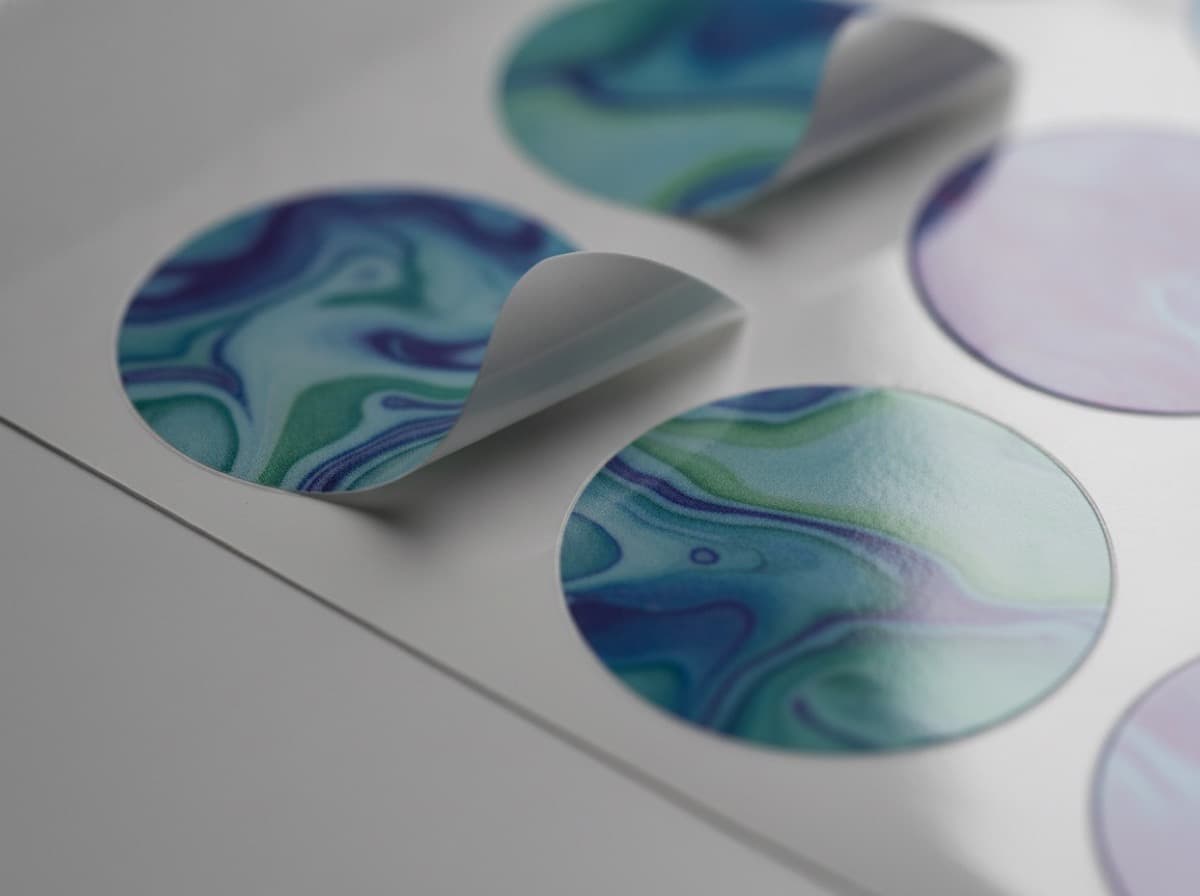
In sticker production, the cutting method matters just as much as the print quality. The same design finished differently can vary widely in how it is used and how polished it feels. Understanding die-cutting and kiss-cutting lets you supply the right artwork the first time.

What Is Die-Cutting?
Die-cutting uses a custom steel die to cut through the entire sticker — the printed face material and the backing liner — producing individually separated stickers in any shape you choose.
- Each sticker is a fully separate piece, ready to hand out or apply
- The custom die makes die-cutting more economical at larger quantities
- Any outline shape is possible
What Is Kiss-Cutting?
Kiss-cutting slices only through the top printed layer, stopping at the liner (backing sheet). The sticker follows the contour of the design, but all stickers remain attached to a single sheet.
Why Use Kiss-Cut?
Because the liner stays in one piece, multiple stickers can be stored, shipped, and presented together as a sheet. This is the standard format for sticker packs and merchandise stickers.
Setting Up Your Cut-Line Artwork
Regardless of which method you use, your print file needs a separate cut-line (die-line) layer in addition to the print artwork.
- Designate the cut path using a dedicated spot color (commonly labeled CutContour)
- Draw the path as a closed path — any open gap in the line will cause a cutting error
- Place the cut line along the outer edge of your design, not inside it
- For die-cut stickers, extend the printed artwork 1–3 mm outside the cut line as bleed

Die-Cut vs. Kiss-Cut Comparison
| | Die-Cut | Kiss-Cut | |---|---|---| | Liner cut through? | Yes — individually separated | No — stays as a sheet | | Best for | Individual labels, giveaways | Sticker packs, merchandise | | Custom die required? | Yes (more economical in bulk) | No — digital cutting possible | | Small runs | Less efficient | Very efficient |
Frequently Asked Questions
I need a custom shape but only want a small quantity — which should I use?
Kiss-cutting with a digital cutting plotter is the better option for small runs. No physical die is needed — your cut-line vector file is all the cutter requires, so custom shapes are achievable even at low quantities.
How thick should my cut-line stroke be?
The cut-line stroke should effectively be 0 pt — a hairline path that marks the cutting route. The cutter follows the path, not the stroke weight. Make sure the layer is set to your designated spot color so it is recognized as a cut instruction rather than a printable element.
Get 10% off your first order
Join our list for practical printing guides, new finish ideas, and a welcome coupon for your first order.
No spam. Unsubscribe anytime.