Brochure Spread Layout: Common Pitfalls to Avoid
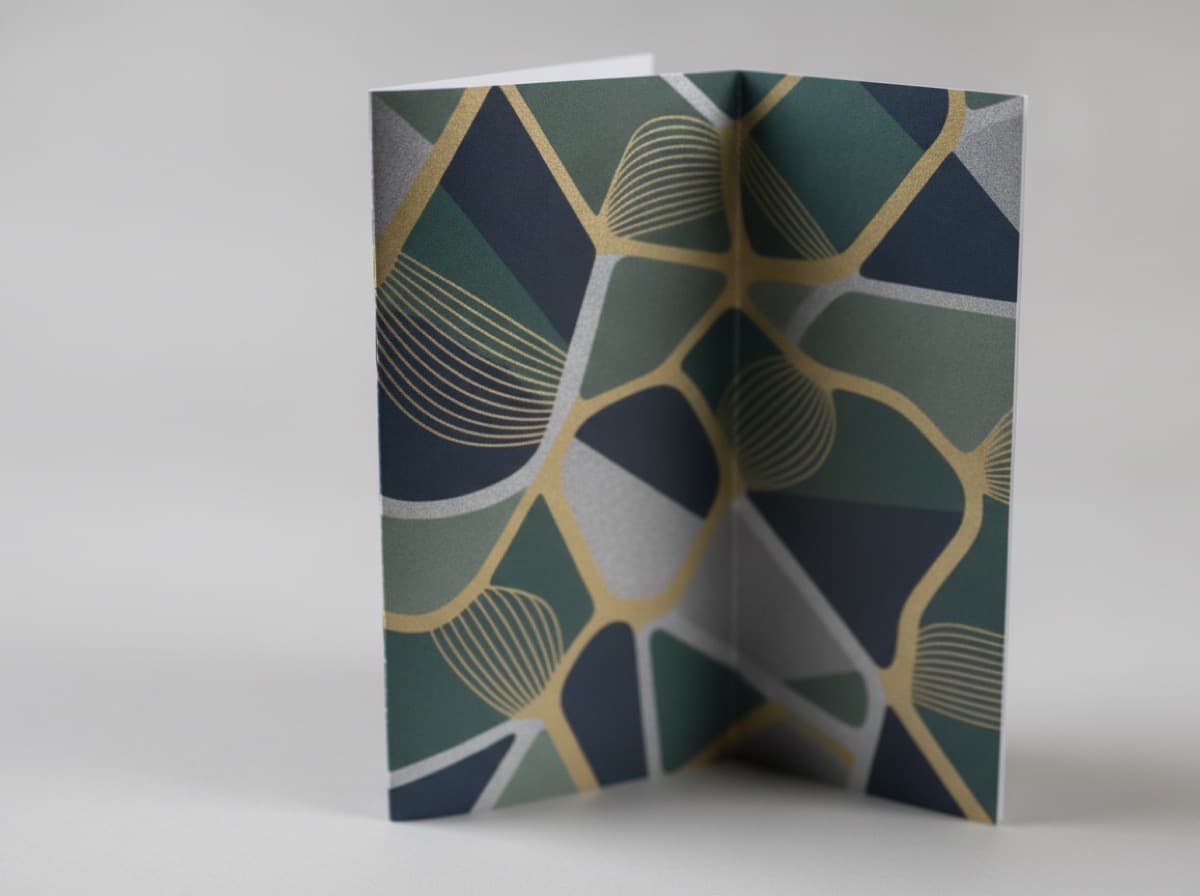
Brochure design requires working from a single flat spread (the unfolded layout), not page by page. Missing that distinction leads to expensive surprises after printing.

Pitfall 1: Text or Logos Sitting on a Fold Line
Any element that straddles a fold line will split, crack, or misalign once the brochure is folded. Leave a 3–5 mm safety buffer on each side of every fold line — no text, logos, or critical imagery should land in that zone.
Pitfall 2: All Panels Set to the Same Width
For tri-folds and gate folds, the panel that tucks inside must be 2–3 mm narrower than the outer panels. If your flat spread shows equal-width panels, the physical brochure won't close flush — the inner panel will buckle outward.
Pitfall 3: Missing Bleed
Any background color or image that runs to the edge of a panel must extend 3 mm beyond the trim line as bleed. Without it, even a small cutting variance will expose a thin white edge. Conversely, keep all critical content at least 3 mm inside the trim line as your safe zone.
Pitfall 4: Page Order Confusion
On a flat spread, adjacent panels don't always read in sequence when folded. Always mock up a physical dummy — fold a sheet of paper by hand to verify the reading order before finalizing your layout.
Flat Spread Checklist
| Specification | Value | |---------------|-------| | Bleed | 3 mm beyond trim | | Safe zone | 3 mm inside trim | | Fold line buffer | 3–5 mm on each side | | Inner panel width reduction | 2–3 mm | | Resolution | 300 DPI |
Production Tips
- Download the printer's fold template / guide file before you start and build your layout on top of it
- Convert all colors from RGB to CMYK before submitting
- For paper heavier than roughly 80 lb cover stock, indicate score line positions in your file
Frequently Asked Questions
Can I submit separate page files instead of a flat spread?
Submitting as a single flat spread is the safest approach. Working page by page makes it easy to miss fold line adjustments and panel width corrections.
What happens if I don't respect the fold line buffer?
Ink and coating can crack along the fold, and text that sits directly on a fold line will appear split or misread when the brochure is closed.
Get 10% off your first order
Join our list for practical printing guides, new finish ideas, and a welcome coupon for your first order.
No spam. Unsubscribe anytime.