How to Proof Business Cards Before You Print: A Complete Pre-Press Checklist
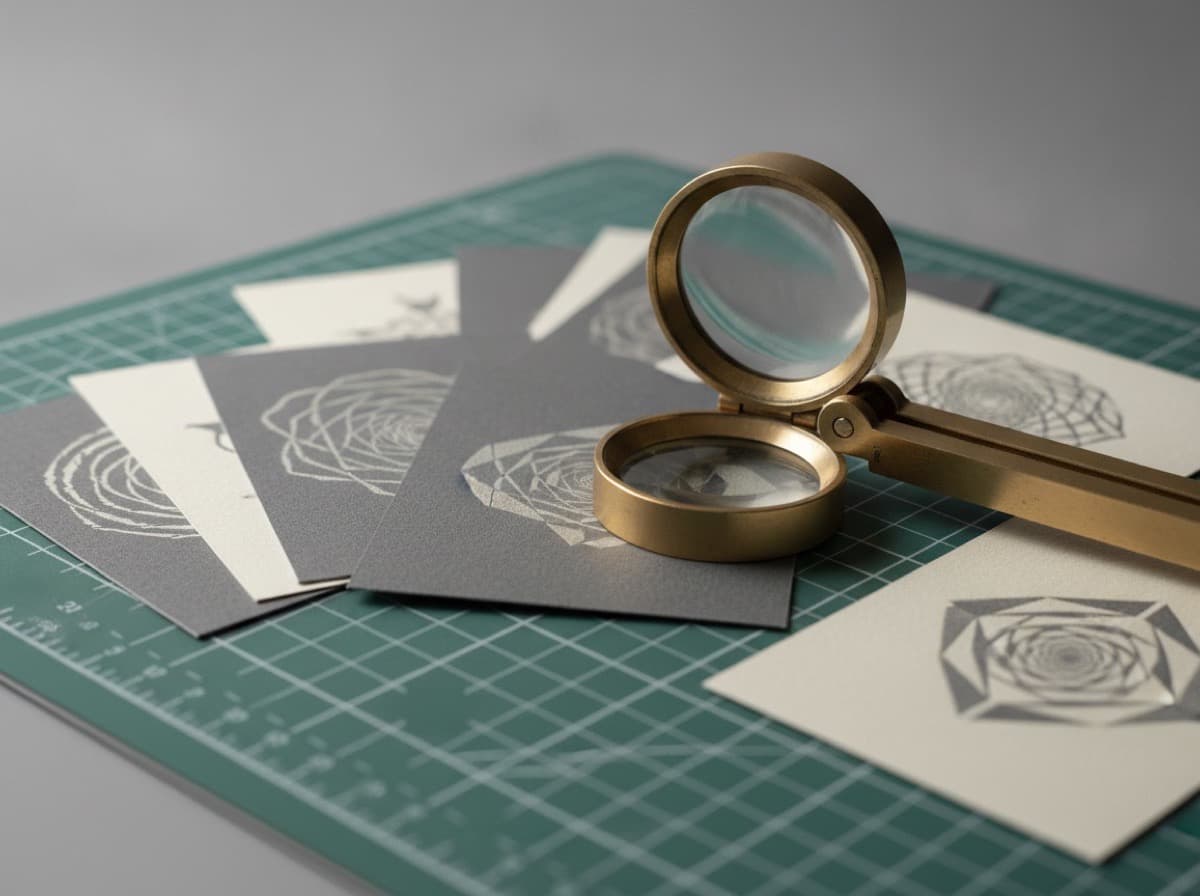
More business card print jobs have avoidable errors than most people realize. The error is always caught — after the cards come back from the printer, when it's too late and expensive to fix.
A systematic proofing process before you submit your file prevents these mistakes. Here's exactly what to check.
Part 1: File Setup Verification
Check Document Size
- Document size should be 3.75 × 2.25 inches (US standard with bleed)
- Or 3.5 × 2 inches if your printer adds bleed
Check Resolution
- All placed images should be 300 DPI minimum at final print size
- Check in Photoshop: Image > Image Size > set to Inches > confirm resolution ≥ 300
- Vector elements (logos created in Illustrator) are resolution-independent and always fine
Check Color Mode
- File must be in CMYK color mode, not RGB
- In Illustrator: File > Document Color Mode > CMYK Color
- In Photoshop: Image > Mode > CMYK Color
- Screen colors (RGB) will shift when converted to CMYK — verify critical colors after conversion
Check Bleed
- Background colors and images must extend 0.125 inches beyond all edges
- No important content within 0.125 inches of trim line (safe zone)
- Text should be at minimum 0.25 inches from outer document edge
Check Fonts
- All fonts must be embedded or converted to outlines
- In Illustrator: Type > Create Outlines (converts all type to paths)
- In InDesign: Export PDF with "Embed All Fonts" checked
- Non-embedded fonts will substitute or fail at the printer
Part 2: Content Accuracy Review
Read every piece of text on your card slowly and out loud. Check:
Name and Title
- [ ] Name spelled correctly (sounds obvious, but errors here are embarrassingly common)
- [ ] Professional credentials correctly abbreviated and ordered
- [ ] Title reflects your current role, not a former one
Phone Number
- [ ] Dial your phone number from the card as written — does it ring?
- [ ] Area code included
- [ ] Correct format for your market (US: xxx-xxx-xxxx)
Email Address
- [ ] Send an email to the address on the card before printing
- [ ] Did you receive it? (Confirms address is active)
- [ ] No typos in domain name — the most common email error
Website URL
- [ ] Paste the URL into a browser — does it load your site?
- [ ] No extra spaces, missing characters, or wrong TLD (.co vs .com, etc.)
- [ ] URL resolves on mobile (this is where recipients will visit it)
Physical Address
- [ ] If included, enter the address in Google Maps — does it resolve?
- [ ] Suite/unit number correct
- [ ] Zip code correct
Social Handles
- [ ] Visit each handle as listed
- [ ] Profile is public (private profiles can't be seen)
- [ ] Handle is your current active profile (not a defunct old account)
QR Code
- [ ] Scan with three different phones
- [ ] Scan under different lighting conditions
- [ ] Does it go to the intended destination?
- [ ] Is the destination mobile-optimized?
Part 3: Design Review
Typography
- [ ] All text is legible at business card size (test by printing at 100% on your home printer)
- [ ] Minimum font size: 7pt for secondary text, 9pt+ for contact details
- [ ] No text is clipping outside its text box
- [ ] Letter spacing (tracking) looks intentional, not too tight or loose
- [ ] Hyphenation is not breaking words awkwardly
Alignment and Spacing
- [ ] Elements align to each other intentionally (use alignment tools)
- [ ] Margins are consistent
- [ ] Nothing looks accidentally off-center
- [ ] Consistent spacing between elements (eyeball then measure)
Images
- [ ] No pixelated or blurry images (zoom to 100% or 200% in your design software)
- [ ] No image distortion (images maintain aspect ratio, not squished/stretched)
- [ ] Images extend to bleed edge (no white gaps at edges)
Colors
- [ ] Your brand colors look correct after CMYK conversion
- [ ] Text is readable against its background (check contrast)
- [ ] No unintended color mode warnings in your design software
Part 4: Physical Proof Review
Before ordering a full print run, order a single physical proof (most print shops offer this for $5-20):
What to Check on the Physical Proof
- [ ] Colors match your expectations (CMYK is different from screen RGB)
- [ ] Paper stock feels right (order the same stock you'll print on)
- [ ] Finish matches intent (matte vs. gloss vs. soft-touch)
- [ ] Text is readable in indoor lighting
- [ ] Text is readable in outdoor or dim lighting
- [ ] QR codes scan from the printed card
- [ ] Image quality is acceptable (not blurry, not pixelated)
- [ ] Cut accuracy — text isn't too close to any edge
Red Flags in a Physical Proof
- Colors that look very different from your screen (expected, but should be acceptable)
- Text that becomes illegible in print that looked fine on screen (size up or choose a bolder font)
- Image that prints blurry (resolution too low — re-source or remove the image)
- Background that doesn't reach the card edge (bleed was insufficient)
Common Pre-Press Mistakes and How to Fix Them
| Mistake | How It Appears | Fix | |---|---|---| | Wrong phone number | Undialed before printing | Dial from the card as written | | Misspelled email | Invisible until clients try it | Send test email before printing | | Low-res image | Blurry photo in print | Replace with 300 DPI source | | RGB colors | Unexpected color shift | Convert to CMYK, review colors | | Fonts not embedded | Printer uses default font | Embed all fonts or convert to outlines | | No bleed | White edges on colored card | Extend background to bleed edge | | Text too close to edge | Text partially cut off | Move all text inside 0.25" from edge | | Wrong URL | 404 or wrong site | Test URL in browser |
The Fast Pre-Print Checklist
For a quick review when time is short:
- [ ] Phone number dialed ✓
- [ ] Email sent and received ✓
- [ ] URL loads in browser on mobile ✓
- [ ] QR code scanned and correct ✓
- [ ] Name spelled correctly (ask someone else to read it) ✓
- [ ] File is CMYK, 300 DPI, with bleed ✓
- [ ] Fonts embedded or outlined ✓
This minimum check catches the most expensive errors. A full proof (physical) catches the rest. Both together: you're ready to order.
Get 10% off your first order
Join our list for practical printing guides, new finish ideas, and a welcome coupon for your first order.
No spam. Unsubscribe anytime.
Ready to start your print order?
Browse Printing ProductsNot sure which option fits? Ask Pro Card Crafters