QR Codes on Business Cards: How to Add, Place, and Maximize Their Value
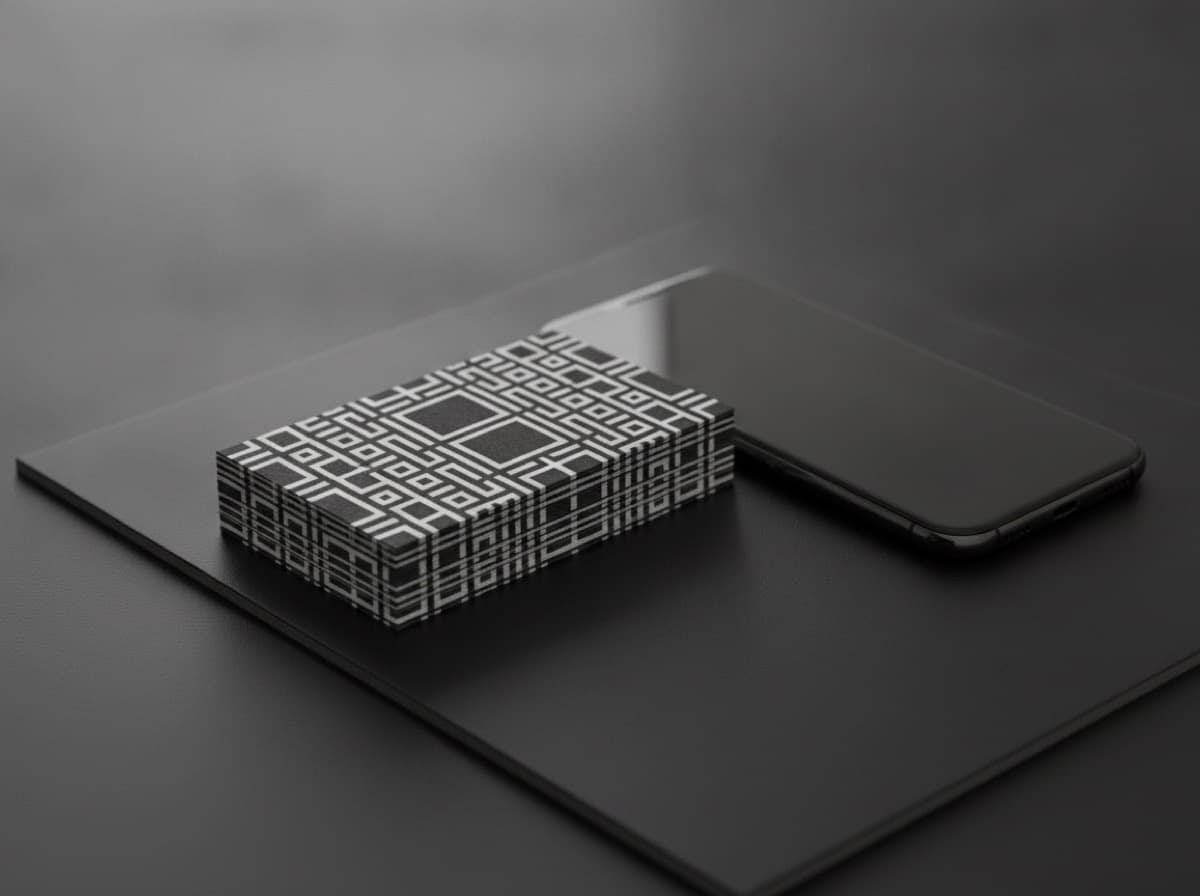
QR codes on business cards are one of the simplest and most powerful ways to bridge your physical card with your digital presence. A well-placed QR code lets someone scan your card and land instantly on your portfolio, booking calendar, LinkedIn profile, or video introduction — turning a paper exchange into an immediate digital connection.
What Should Your QR Code Link To?
The most valuable QR destinations depend on your goal:
Portfolio / Work Samples
Best for: photographers, designers, architects, artists, writers
- Direct link to your portfolio site
- Gallery page of recent work
- Case study page
LinkedIn Profile
Best for: corporate professionals, job seekers, B2B consultants
- Scan to connect directly on LinkedIn
- Eliminates manual profile search
- LinkedIn itself supports QR code generation in the app
Booking / Scheduling Page
Best for: consultants, coaches, service professionals
- Direct link to Calendly, Acuity, Book Like A Boss, etc.
- "Scan to book a call"
- Eliminates back-and-forth scheduling friction
Website / Landing Page
Best for: businesses, freelancers with a service site
- Your home page or a specific landing page designed for card recipients
- "Scan to learn more"
Digital Business Card (vCard or Link-in-Bio)
Best for: professionals who want to share all contact info at once
- Apple Wallet / Google Wallet contact card
- Taplink / Linktree for multiple destinations
- Blinq, Popl, HiHello digital cards that auto-add contact info
Video Introduction
Best for: real estate agents, coaches, speakers, sales
- A 60-90 second "who I am and how I help" video
- YouTube unlisted link or Loom
- High conversion for cold card drops
Review / Testimonial Page
Best for: local businesses, service providers
- Google Maps review prompt (direct review link)
- "Scan to leave us a review" on the back of the card
Where to Place the QR Code
Back of Card, Bottom Corner or Center
The standard placement:
- Bottom-right corner: most common, expected, easy to find
- Bottom-center: clean, balanced, draws the eye
- Center-back with CTA: "Scan to [action]" + QR code = highest scan rates
Front of Card (Less Common)
Front placement works only if the QR is part of the visual design:
- Luxury cards sometimes incorporate the QR as a design element
- Minimalist cards: front with just name + QR (entire card is the scan)
Avoid These Placements
- Corners too close to the bleed edge (risks being cut off)
- Folded card crease (QR scanning depends on a flat surface)
- Behind dark overlapping design elements
QR Code Sizing
A QR code must be large enough to scan reliably:
- Minimum size: 0.75 inch × 0.75 inch (19mm × 19mm)
- Recommended: 1 inch × 1 inch — gives scanning room on small screens
- At 1 inch, the QR code takes up about 40% of the back of a standard 2-inch tall card
Testing: print a proof and scan the QR with your phone before ordering the full run. Test under varied lighting and scan distances.
Styling Your QR Code
Color: Not Just Black and White
QR codes can be any dark color on a light background, or light-on-dark (with testing):
- Dark navy, dark charcoal, dark brand color on white or cream
- White on black (reverse) — test carefully, some scanners struggle
- Gradient QR codes — can work but reduce reliability; test thoroughly
- Avoid low-contrast color combinations
Logo in the Center
Most QR generators support embedding a small logo in the center:
- Keep the logo to ≤30% of the QR code area
- The QR standard has built-in error correction; a centered logo is readable
- Your brand mark or initials in the center adds a branded touch
Rounded Corners and Custom Modules
Modern QR styling tools allow:
- Rounded module corners (instead of square pixels)
- Custom eye (corner finder) shapes
- Branded color fills
Styled QR codes are legitimate as long as sufficient error correction remains.
Tracking QR Code Scans
Standard direct links give you no data on whether anyone scanned your card. Use a trackable intermediate redirect:
Services
- Bitly: Shortened URL with scan/click analytics
- Rebrandly: Branded short links with tracking
- Popl / HiHello: Digital business card platforms with built-in tracking
- UTM parameters: Add
?utm_source=business-card&utm_medium=print&utm_campaign=networkingto your destination URL — Google Analytics will attribute the visit
What to Track
- Number of scans
- Date of scan (useful for knowing which events/batches generated interest)
- Geographic location of scans
- Device type (mobile vs. desktop)
Dynamic vs. Static QR Codes
Static QR Code
The destination URL is encoded directly into the QR pattern. If you change your URL, the QR code is invalid and all old printed cards break.
Dynamic QR Code
An intermediate redirect URL is encoded. You can change the destination without reprinting your cards. Most QR tracking services create dynamic QR codes.
Recommendation: Always use a dynamic QR code — link changes, campaigns changing, and LinkedIn vanity URL changes are all common. A static QR pointing to an old URL wastes every card already printed.
Call to Action for Your QR Code
Naked QR codes don't scan themselves — most people won't scan a QR on a card unless you tell them why:
- "Scan for my portfolio"
- "Scan to book a call"
- "Scan to connect on LinkedIn"
- "Scan for available dates"
- "Scan for a free consultation"
- "Scan to meet me" (for video intro)
The CTA should be 5-8 words, in a font size that's readable alongside the QR, positioned above or below it.
Checklist
- [ ] Destination URL selected (portfolio, LinkedIn, booking, website)
- [ ] Dynamic QR code created (not static)
- [ ] QR code sized ≥ 0.75 inch
- [ ] Color scheme: sufficient contrast
- [ ] Logo embedded (optional)
- [ ] Call to action text above/below QR
- [ ] Printed proof scanned on mobile before bulk order
- [ ] Tracking set up (Bitly, UTM, Popl, etc.)
- [ ] QR destination mobile-optimized
Get 10% off your first order
Join our list for practical printing guides, new finish ideas, and a welcome coupon for your first order.
No spam. Unsubscribe anytime.
Ready to start your print order?
Browse Printing ProductsNot sure which option fits? Ask Pro Card Crafters