How to Prepare a Business Card Artwork File: The Pre-Upload Checklist
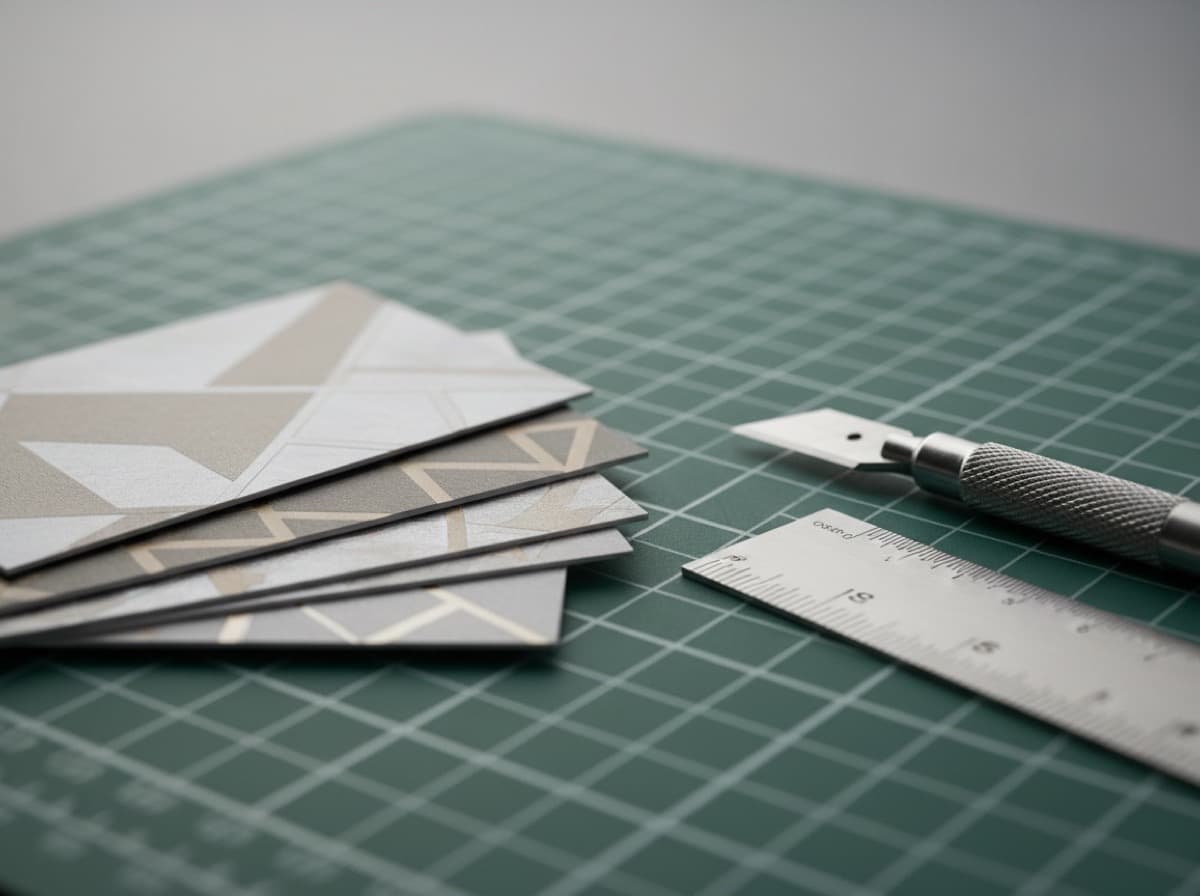
Printers have different file requirements, but the fundamentals are consistent. A print-ready file means the printer can go straight to production without requesting corrections. Here's the checklist.
File format
PDF is the universal preference. Export as a print-quality PDF (PDF/X-1a or Press Quality). This preserves fonts, embeds images, and maintains color accuracy better than other formats.
Vector source files (AI, EPS) are also acceptable at most printers. Avoid sending layered PSD files or native format files unless the printer specifically requests them.
JPEG and PNG are accepted by many online printers but are raster formats — acceptable only if they're at 300 DPI at the final print size.
Color mode
Files should be in CMYK. RGB files will be converted by the printer's prepress system, and the conversion may shift your brand colors — especially vivid blues, greens, and purples.
Set your document to CMYK before you design, not after. Converting at export time can still introduce drift.
Resolution
Artwork should be at 300 DPI at the final print size. Vector elements (logos, text created in Illustrator) are resolution-independent. Raster elements (photos, textures placed in your layout) must be 300 DPI.
Downscaling a 72 DPI web image to 300 DPI in Photoshop does not add resolution — it interpolates and the result will still look soft in print.
Dimensions with bleed
Standard business card: 3.5" × 2". With 3mm bleed on all sides, the file should be 3.74" × 2.24" (or equivalent in mm: 88.9mm × 57.2mm).
If your printer specifies different bleed requirements, follow their template.
Safe zone
Keep all text and important design elements at least 3mm inside the trim line — 6mm from the outer bleed edge. Artwork that bleeds to the edge (backgrounds, photos) should extend fully to the bleed line.
Fonts
Embed all fonts or convert text to outlines. If fonts are not embedded, the printer's system may substitute a different font (usually something embarrassing). Converting to outlines is the safest approach: it locks the letterforms as vector shapes with no font dependency.
Proofread
Before upload, print the design at 100% size on plain paper and proofread:
- Phone number digit by digit
- Email address character by character
- Website URL
- Name spelling
- Title and company
The most expensive business card mistake is catching a typo after the print run.
Get 10% off your first order
Join our list for practical printing guides, new finish ideas, and a welcome coupon for your first order.
No spam. Unsubscribe anytime.