How to Use Your Business Cards to Build Your Instagram Following
Your business card has two audiences: the person you hand it to and everyone who follows you on Instagram. Done right, a beautiful card photo can generate more inbound leads than the card itself — before you've handed out a single one.
Here's how to use cards and Instagram together.
Why Business Card Content Works on Instagram
Business card photos consistently perform well on Instagram for small businesses because:
- They're relatable — small business owners and entrepreneurs connect with the excitement of getting new cards
- They show brand — a card photo is a controlled, intentional brand moment
- They generate DMs — followers ask "where did you get those printed?"
- They have a built-in story — "my new cards just arrived" is a narrative hook
How to Photograph Your Business Cards for Instagram
Flat Lay Setup
Lay cards on a clean surface — marble, wood, linen, or a solid-color background that complements your card. Use natural side light for the cleanest look.
Props that work well:
- Plants or flowers (single stem in corner)
- A notebook or journal
- Your laptop keyboard in background
- Coffee or a clean mug
- Pen positioned naturally
- Product you sell alongside the card
Close-Up Detail Shots
Capture the finish details — spot UV contrast, foil reflection, edge color, embossed texture. These details are invisible in full-card shots but stunning in macro.
Stack Shot
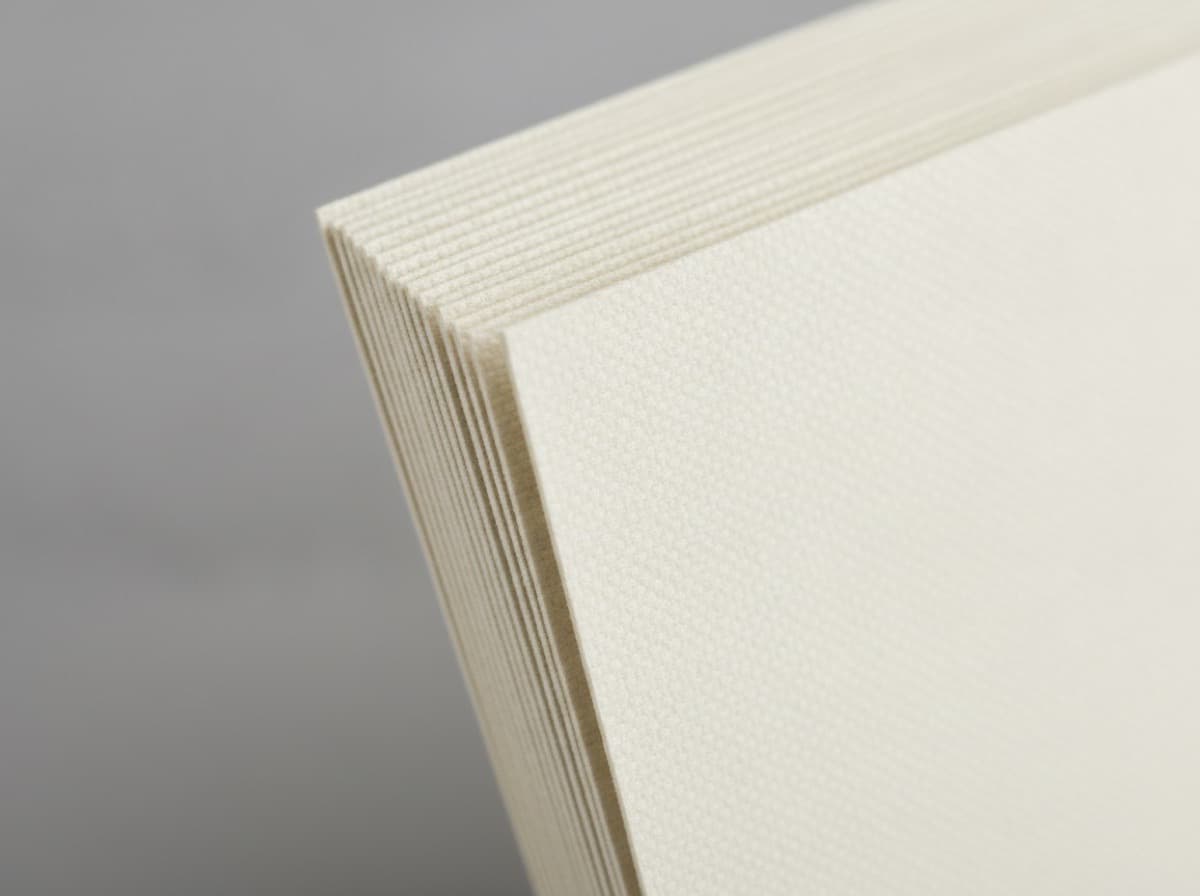
A neat stack of cards photographed from the side shows edge thickness and volume. Great for new card arrival posts.
In-Hand Shot
Hold the card naturally — not stiffly extended. Show your hand, a little background context. This is more personal and performs well with engaged audiences.
Caption Formulas That Get DMs
The Arrival Story
"New cards just arrived and they might be my favorite thing I've ever printed. The [finish] feels absolutely incredible. If you ever wondered whether to upgrade from standard cards — do it. Details in bio."
The Behind-the-Design Post
"The process behind my new business cards: I wanted something that felt [adjective] but still [adjective]. Landed on [paper stock + finish]. Ask me anything about the design in the comments."
The What's On My Card Post
"What I put on my business card and why: [explain each element with reasoning]. The most important decision was [key design choice]. What's on yours?"
The Referral Prompt
"Handing these out at [event] this weekend. If someone gives you my card — reach out, I'd love to connect. If you need [your service], DM me."
Content Series Ideas Using Your Cards
"Card Reveal" Series
Build anticipation before cards arrive. Post:
- The proof/mockup (teaser)
- Unboxing video (arrival)
- Detail shots (close-ups of finish)
- Cards in action (first handoffs)
"What's On My Card" Tutorial Series
For each element of your card — photo, specialty line, QR code, finish — create a dedicated post explaining your choice and why it matters. This establishes expertise while promoting your brand.
Customer Card Showcases
If you're a designer or printer, repost cards you've designed for clients (with permission). Build a portfolio content stream: "Designed these cards for [@client] — I'm obsessed with how the gold foil turned out."
Instagram-Optimized Card Design Elements
If you know you'll be photographing your cards for Instagram, design with photography in mind:
High-contrast finishes photograph best:
- Spot UV on matte (gloss vs matte contrast shows in photos)
- Foil (catches light in images)
- Dark backgrounds with light text
Edge colors are very photogenic: Painted edges pop in stack shots and close-ups. Gold, red, or forest green edges on a dark card look spectacular.
Texture shows in macro: Soft-touch velvet, letterpress, and embossing are nearly invisible in wide shots but stunning in close-ups. Plan a detail photo series if you invest in these.
Connecting the Card to Your Instagram
Include Your Instagram Handle Prominently
Your card should have your handle visible. Position it as a call to action: "@yourstudio — see our portfolio"
This creates a loop: client gets card → follows you → sees your work → refers others.
QR Code to Instagram Profile
For visual professionals: a QR code that links directly to your Instagram (or specific highlights reel) converts card holders to followers instantly.
Create a Card-Specific Highlight
Pin an Instagram Highlight of your card design, the unboxing, and behind-the-scenes design process. When someone scans your QR code, they land on your profile and immediately see your cards in a highlight.
The Card + Instagram Flywheel
Design great card
       ↓
Photo cards for Instagram
       ↓
Post with story → Followers DM asking about cards/service
       ↓
Hand out cards at events
       ↓
Recipients follow Instagram handle on card
       ↓
More followers, more reach, more card photos seen
       ↓
Repeat
The card and your social presence reinforce each other. The card drives offline-to-online; Instagram drives discovery for people who haven't met you yet.
Quick Action Items
- Order your next cards with a strong finish (matte lam + spot UV or foil) — they'll photograph 10× better
- Include your Instagram handle on the card — large enough to read in photos
- Set up a flat lay area — a dedicated photography corner with good natural light
- Plan your unboxing post — draft the caption before cards arrive
- Add a card photo to your content calendar at least monthly
Most small businesses are leaving significant social media traction on the table by never photographing their cards. It's one of the easiest wins in small business content.
Get 10% off your first order
Join our list for practical printing guides, new finish ideas, and a welcome coupon for your first order.
No spam. Unsubscribe anytime.
Ready to bring this design to life?
Order Premium CardsNot sure which option fits? Ask Pro Card Crafters