How to Design Business Cards: A Complete Guide from Concept to Print
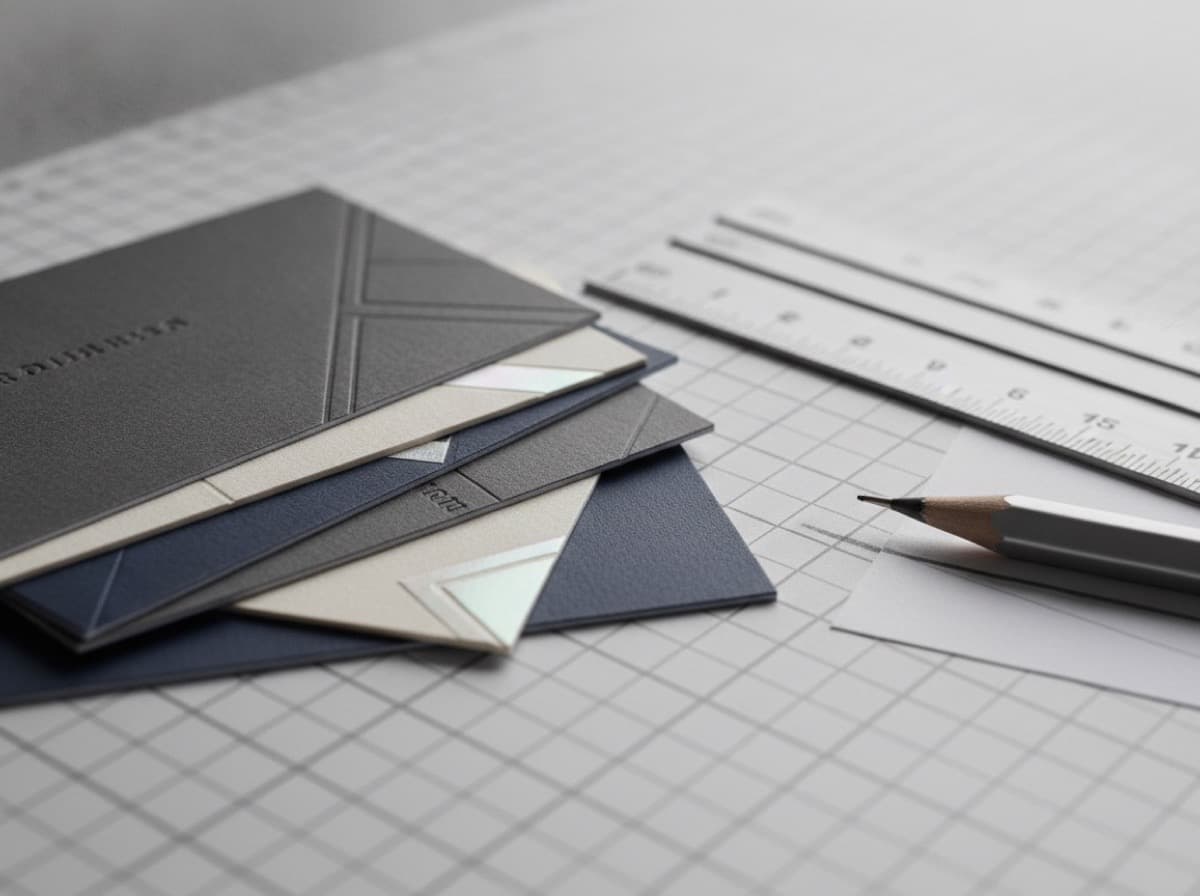
Designing a business card seems simple — it's a small piece of cardstock with your name and contact information. But the best business cards are carefully considered design objects that communicate identity, professionalism, and personality within a 3.5 × 2 inch space.
This guide walks through every design decision, from standard dimensions to file setup for printing.
Standard Business Card Dimensions
North American standard: 3.5 × 2 inches (88.9 × 50.8mm)
- The format that fits standard cardholders and wallets
- What most printers default to
European standard: 85 × 55mm (3.35 × 2.17 inches)
- Common in Europe and some international contexts
- Slightly smaller than US standard
Square business card: 2.5 × 2.5 inches or 2 × 2 inches
- Distinctive and memorable
- Doesn't fit standard cardholders — intentional decision
Mini business card: 3.5 × 1.75 inches (half-height)
- Minimal, distinctive
- Works for creative professionals
Horizontal vs. vertical orientation:
- Horizontal: more traditional, fits naturally in the hand, easier to read in card stacks
- Vertical: distinctive, modern, uncommon — works for minimal single-column information layouts
For most professionals, horizontal 3.5 × 2 inch cards are the default choice. Deviating from standard dimensions has costs: non-standard cardholder fit, typically higher printing cost, potential for awkward handling.
Setting Up Your Canvas
In a Design Tool
Adobe Illustrator / InDesign:
- Set artboard to 3.75 × 2.25 inches (includes bleed) or use bleed settings
- Set bleed to 0.125 inches on all sides
- Set safe margin to 0.125 inches from cut line (0.25 inches from artboard edge)
- Work in CMYK color mode for print
Canva:
- Use "Business Card" template — pre-sized
- Or set custom dimensions to 3.5 × 2 inches
- For bleed: add 0.125 inches to each dimension (3.75 × 2.25)
Figma / Adobe XD:
- Set frame to 1050 × 600px at 300ppi (3.5 × 2 inches)
- Export at 300dpi minimum
Print File Requirements
- Resolution: 300 DPI minimum. 350-400 DPI for photo elements.
- Color mode: CMYK (not RGB — RGB is for screens, CMYK is for print)
- Bleed: 0.125 inches (3mm) beyond cut line
- Safe zone: 0.125 inches inside cut line — no critical elements in this zone
- File format: PDF/X-1a or PDF/X-4 (press-ready PDF). PNG/JPG if the printer accepts them.
The Three Zones of a Business Card
Every business card should be designed with three zones in mind:
- Bleed zone (outermost): Extends 0.125" beyond the cut line. Background colors and images must extend into this zone so there's no white edge if the cut is slightly off.
- Cut zone (the actual card edge): Where the printer cuts. Subject to slight variation (±0.0625 inches).
- Safe zone (inside the cut line): At least 0.125" inside the cut line. All critical content — text, logos, contact information — must be fully inside this zone.
Typography Hierarchy
Business cards have limited space for text. Use hierarchy to guide the eye:
Primary (largest, most prominent)
- Your name: 12-16pt
- Or: company name / brand mark
Secondary (medium, supporting)
- Job title / specialty: 9-11pt
- Company name (if name was primary): 10-12pt
Tertiary (smallest, functional)
- Email, phone, website: 8-10pt
- Address: 7-9pt
- Credentials: 7-9pt (abbreviated)
Minimum readable body text: 7pt on print. Go smaller at your readability risk.
Font Selection
- Use maximum 2 font families (primary + accent, or heading + body)
- Brand fonts for brand consistency
- For body text / contact info: use a clean, highly legible font — Helvetica, Futura, Gill Sans, Proxima Nova, Avenir, Inter, DM Sans
Color
CMYK vs. PMS
- CMYK: Four-color process printing (cyan, magenta, yellow, black). Variable color — colors may shift slightly between print runs and printers.
- PMS (Pantone Matching System): Exact spot color. Consistent color every time. More expensive.
For exact brand color reproduction: specify PMS colors to your printer. For budget printing: CMYK is standard and acceptable.
Background Color Options
- White background: Highest contrast for text, least expensive to print (no ink on white)
- Solid color background: Print on both sides often
- Dark/black background: Dramatic, stand-out, requires white text
- Gradient: Possible in CMYK, but gradients can print inconsistently — test with a proof
Color-to-Text Contrast
Legibility requires sufficient contrast:
- Black text on white: maximum contrast
- White text on dark: excellent contrast
- Light text on light background: often fails — check contrast ratio
- Target minimum 4.5:1 contrast ratio (WCAG 2.0 AA standard)
Information Hierarchy: What to Include
Front
- Name (most prominent)
- Title / specialty
- Company name / logo
Back
- Contact information: phone, email, website
- Credentials / certifications
- Tagline or specialty description
- QR code (if directing to portfolio, booking, etc.)
- Address (if physical location is relevant)
- Social handles (@)
Design Principles for Business Cards
White space is not wasted space: Giving elements room to breathe makes them more readable and feels more premium. Crammed cards feel cluttered and anxious.
Lead with the most important thing: What do you want the recipient to do first? Name → Title → Contact? Or Brand → Name? Hierarchy answers this question.
Every element earns its place: A card is too small for decoration that doesn't serve the message. If it's there, it should be doing work.
Print and hold your proof: Colors look different on screen than on paper. Textures, font sizes, and contrast are all better judged in print. Always request a print proof before approving the full run.
Final Checklist Before Sending to Print
- [ ] Canvas size: 3.5 × 2 inches with 0.125" bleed
- [ ] Resolution: 300+ DPI
- [ ] Color mode: CMYK
- [ ] All critical content inside safe zone (0.125" from cut)
- [ ] Background extends to bleed edge
- [ ] Font sizes: body minimum 8pt
- [ ] Contact information complete and accurate
- [ ] File format: PDF/X-1a or as printer requires
- [ ] Proof approved (preferably printed)
- [ ] Card stock, finish, and quantity confirmed
Get 10% off your first order
Join our list for practical printing guides, new finish ideas, and a welcome coupon for your first order.
No spam. Unsubscribe anytime.
Ready to bring this design to life?
Order Premium CardsNot sure which option fits? Ask Pro Card Crafters