Print Specs
Technical setup guides: bleed, resolution, color mode, and file prep before you upload.
Getting the technical setup right is the difference between a proof that prints perfectly and a costly reprint. This hub covers the pre-press fundamentals — bleed, safe margins, resolution, color mode, and file formats — so your artwork arrives press-ready.
Whether you're exporting from Illustrator, Canva, or a template, these guides explain exactly what each spec means, why it matters, and how to check your file before you order.
What you’ll find in this hub
- Bleed and safe-zone setup explained
- 300 DPI resolution and why it matters
- CMYK vs RGB for print
- Choosing PDF, PNG, or vector for upload
- A pre-flight checklist before you order
Latest print specs articles
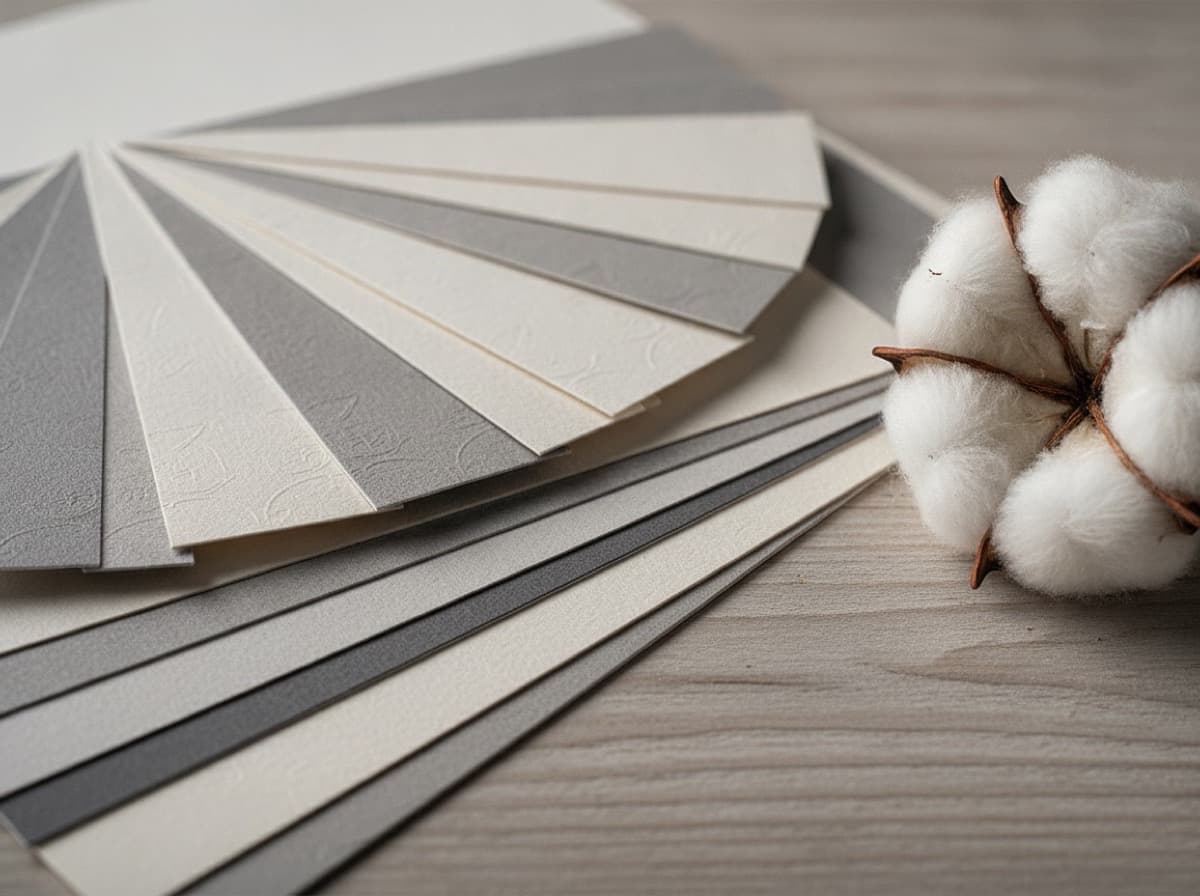
Business Card Paper and Coating Comparison: Weight, Finish & Stock Guide
If you only remember one thing: paper choice is decided by two numbers and one texture — weight (how thick and substantial the card feels), finish (how the surface behaves), and fiber (what the paper…
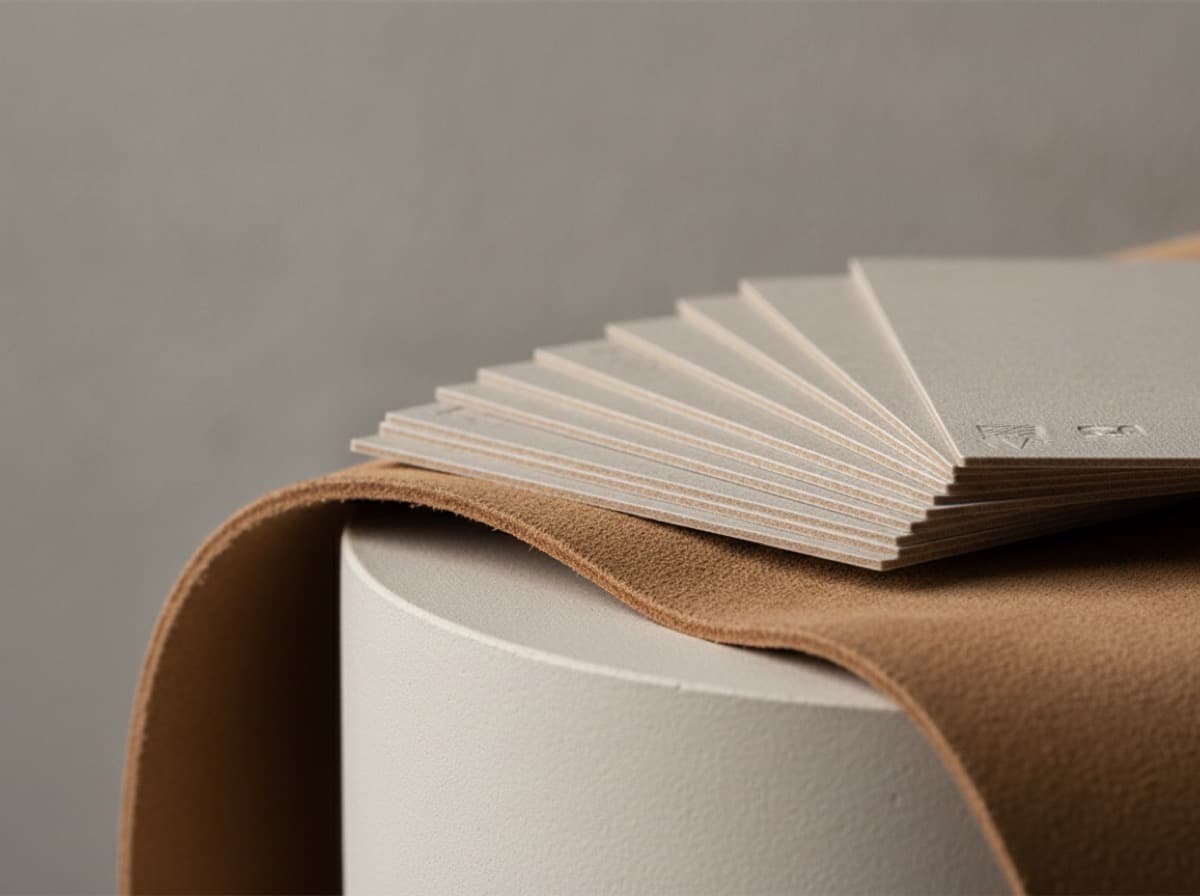
Soft-Touch (Suede) Business Cards: The Complete Guide
Soft-touch business cards are cards finished with a thin matte laminate that feels like suede or velvet — warm, smooth, and slightly grippy rather than slick. The soft-touch coating mutes glare…
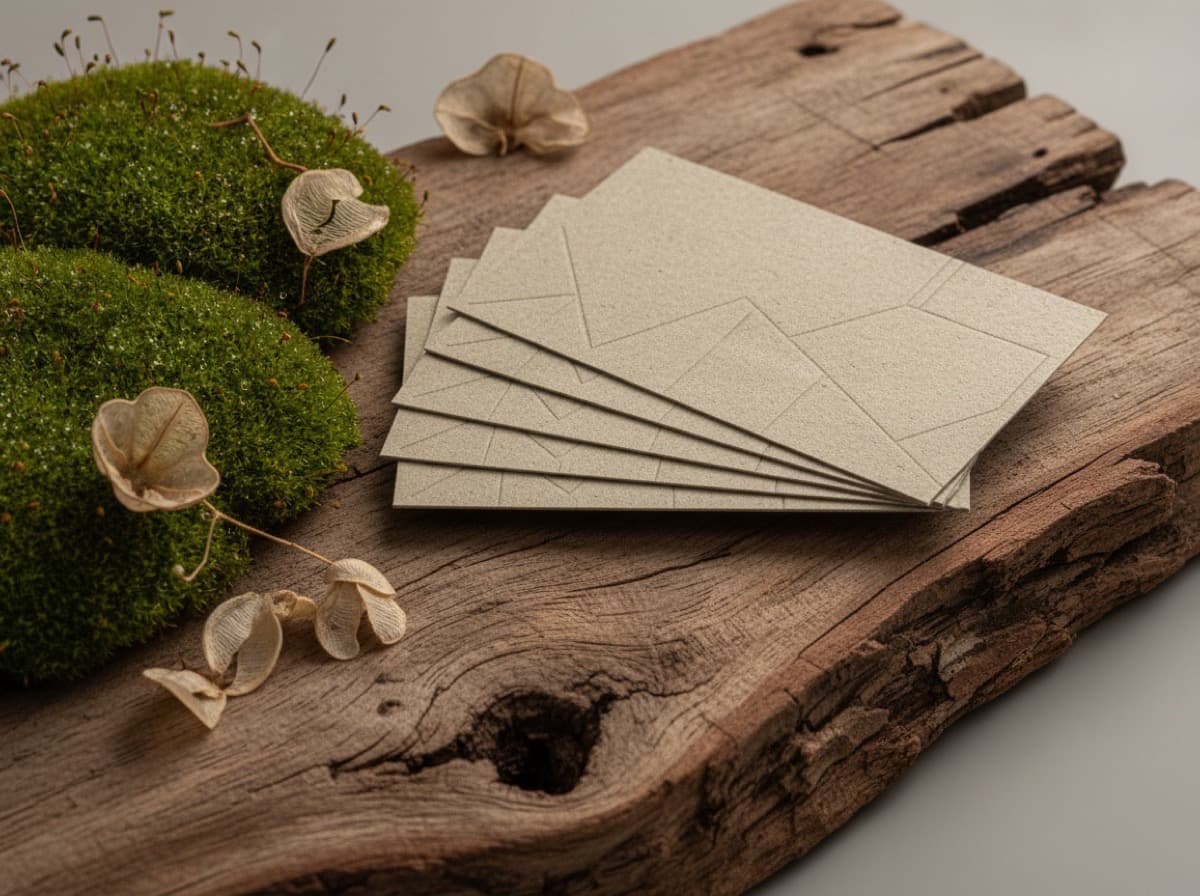
Eco-Friendly and Recycled Business Card Stocks
Eco-friendly business cards are made from recycled paper, sustainably certified fibers, or alternative materials like seed paper and stone paper — and they no longer look like a compromise. The…
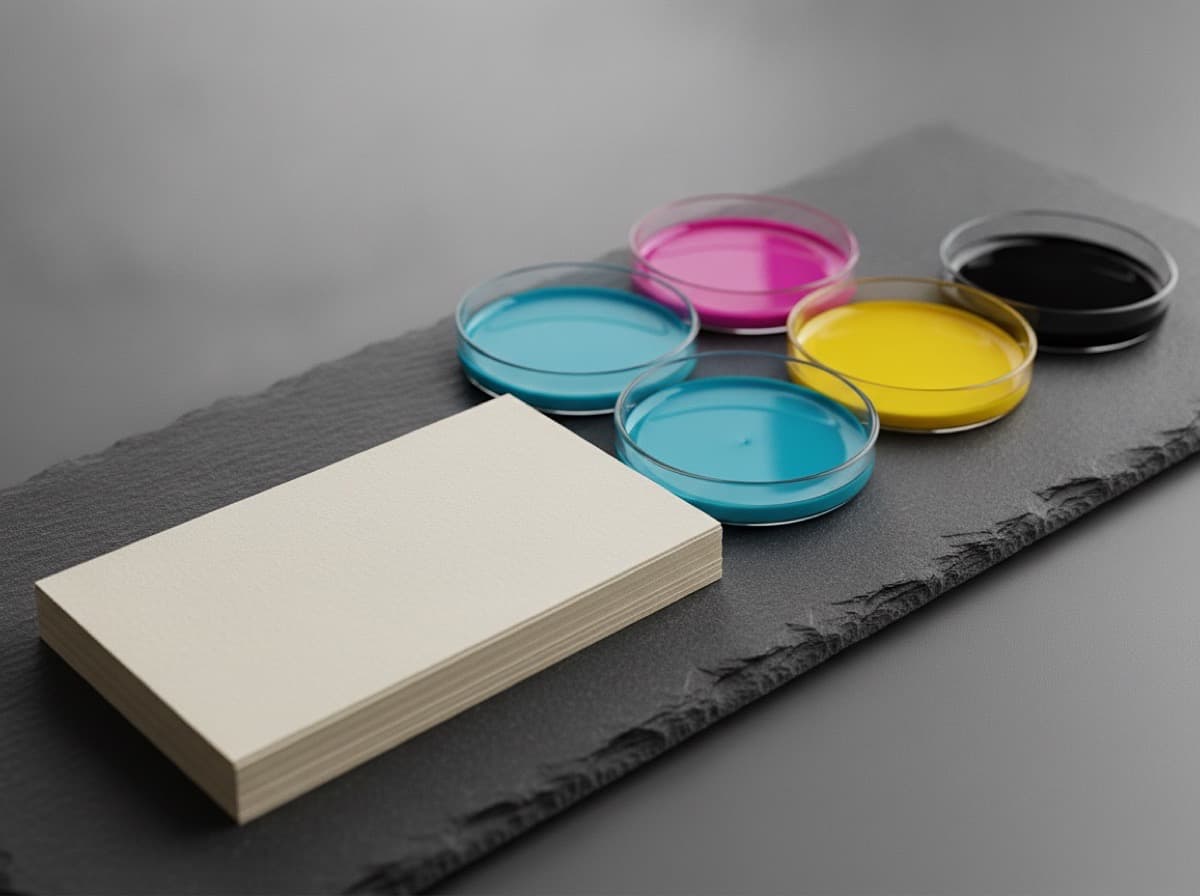
RGB vs CMYK for Business Card Printing: How to Export the Right File
Sending an RGB file to the printer is the most common cause of color shifts on business cards. Here's how to export correctly and what to check before you upload.
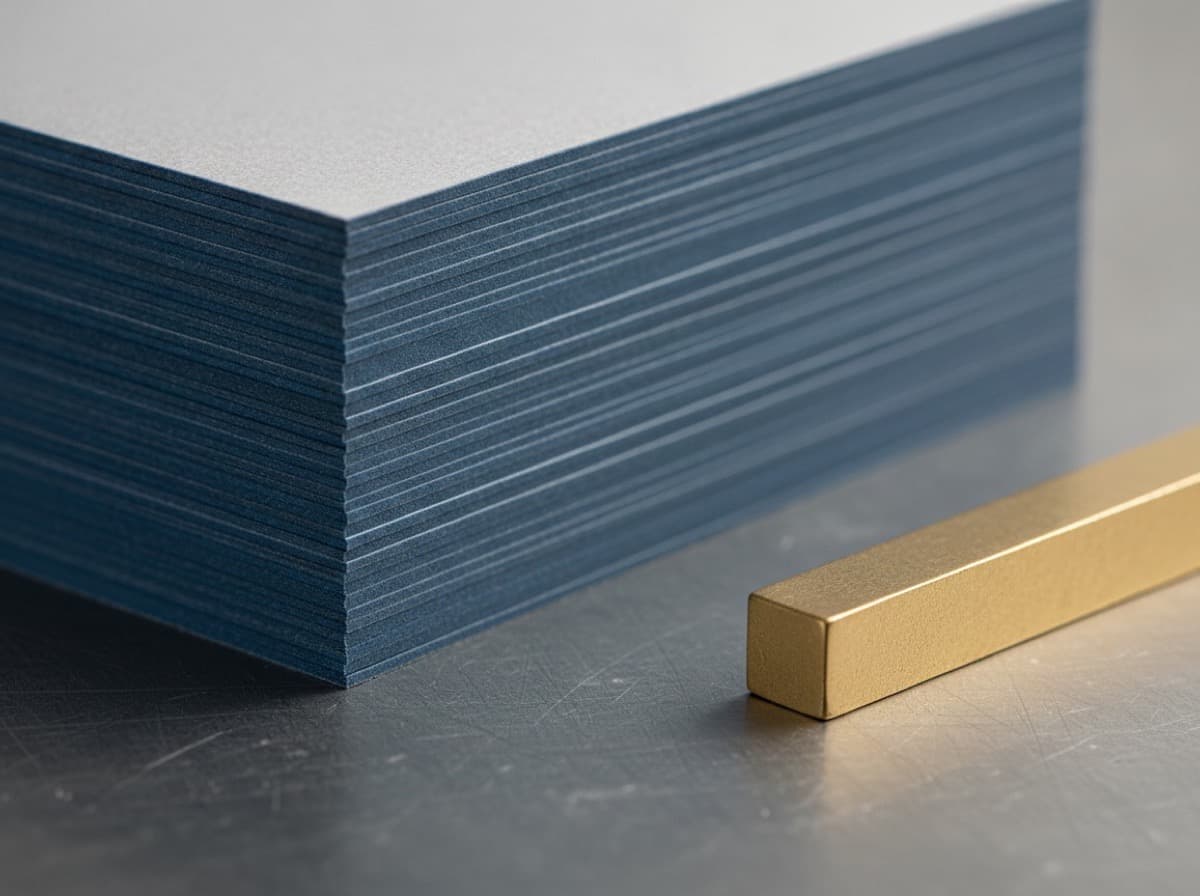
GSM vs PT for Business Cards: How to Compare Paper Weight Without Guessing
Paper weight numbers are confusing when one printer uses gsm and another uses pt. Here's how to compare them and what feels standard, premium, and ultra-thick.
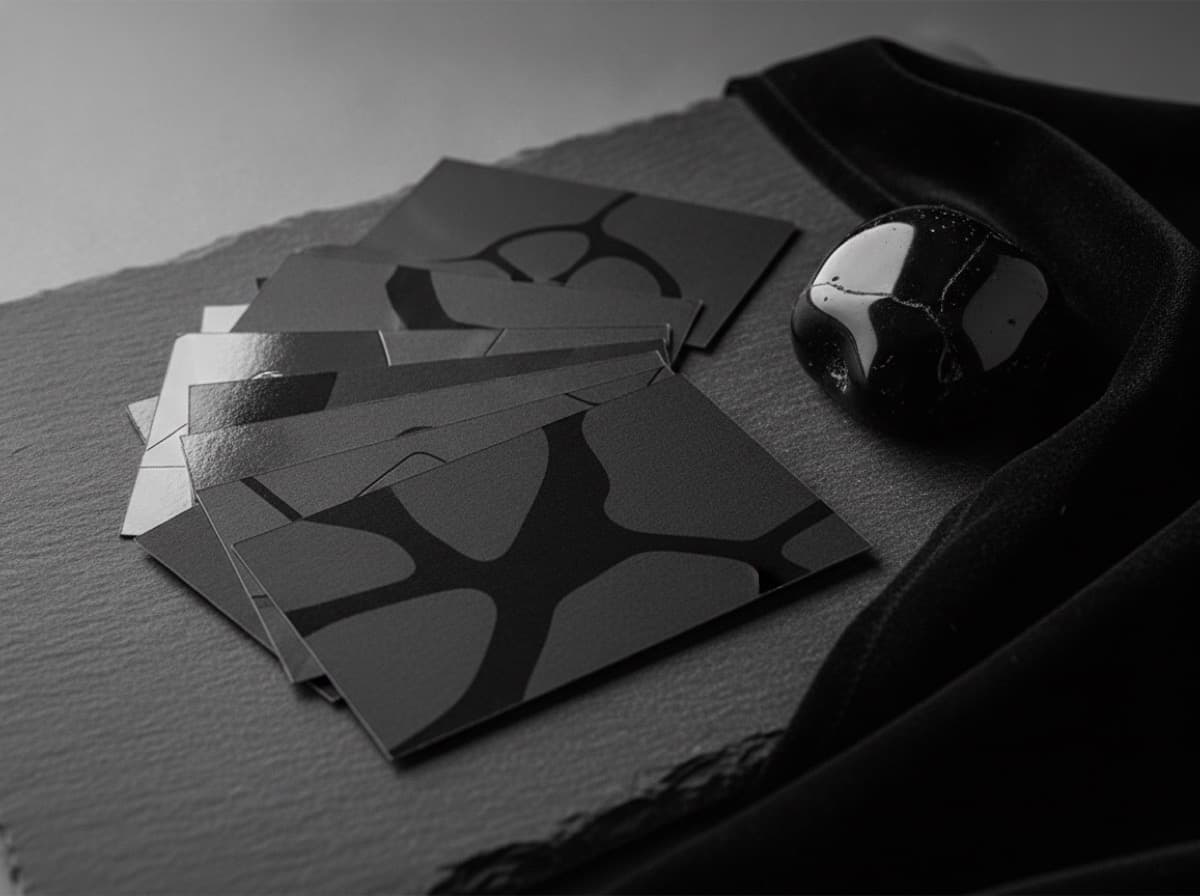
Matte vs Gloss vs Soft-Touch Business Cards: Which Finish Fits Your Brand?
Matte, gloss, and soft-touch each change how your business card looks, feels, and holds up. This comparison helps you choose faster.
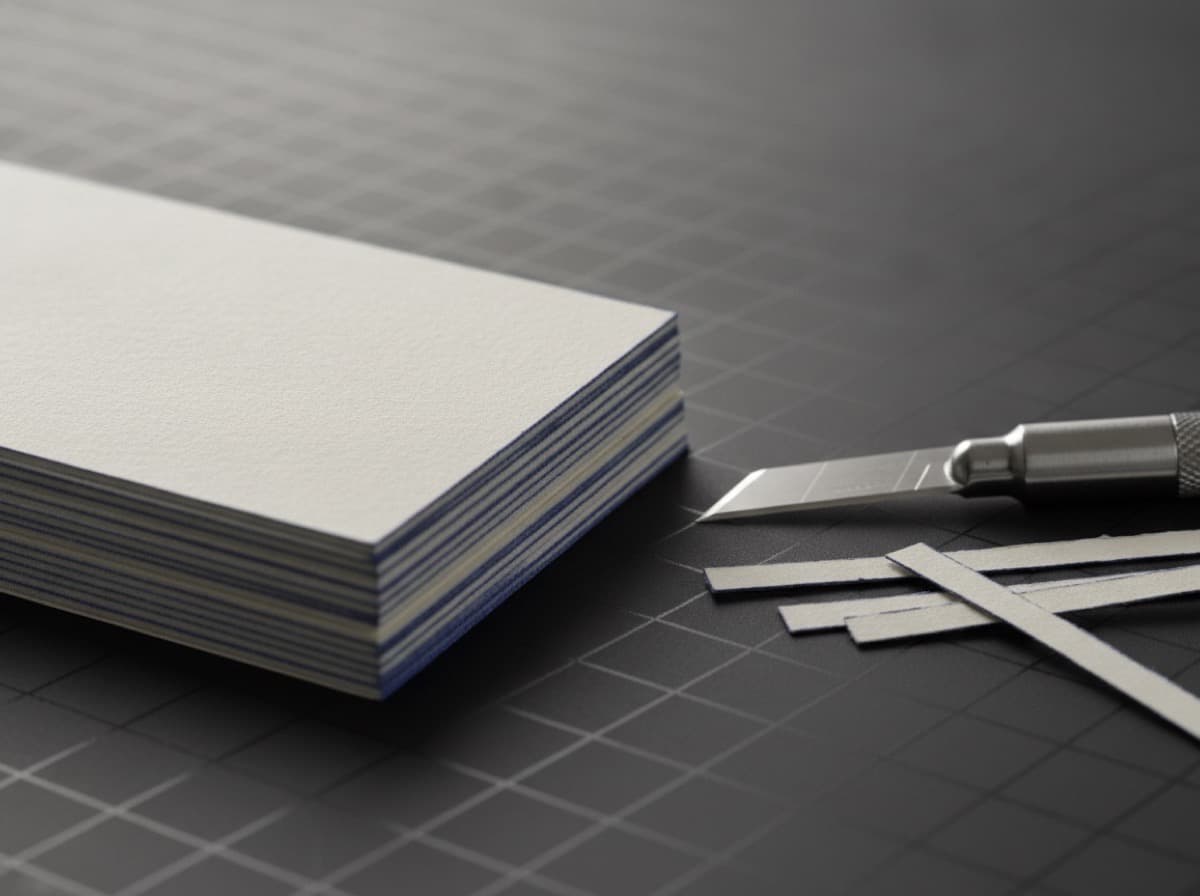
What Is Bleed on a Business Card? A Simple Setup Guide for Clean Edges
If your artwork stops exactly at the trim edge, tiny shifts during cutting can leave white slivers. Bleed fixes that. Here's how to set it up before you upload.
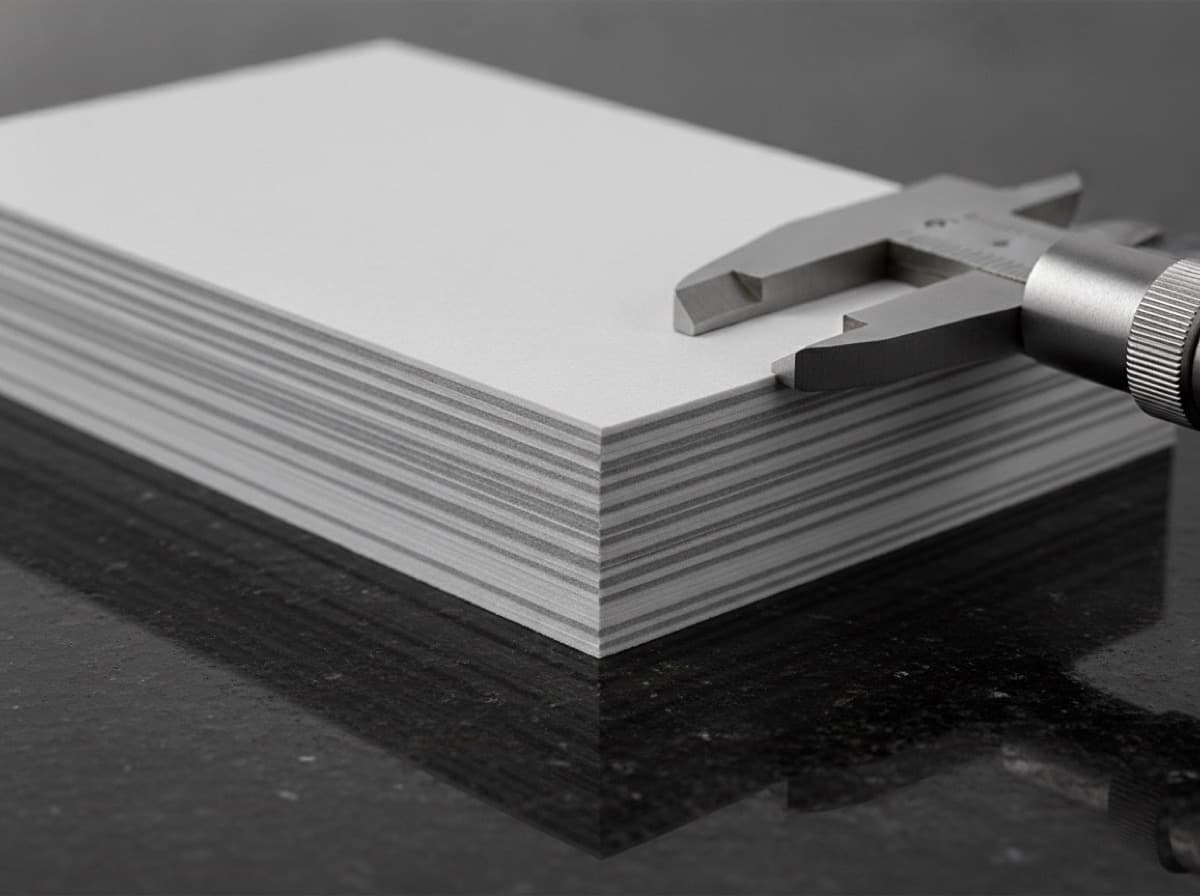
Business Card Thickness Explained: GSM, PT, and Why It Matters
Business card thickness is measured in two systems that often confuse buyers: GSM (grams per square meter, a weight measure) and PT or points (a direct thickness measure in thousandths of an inch). A…
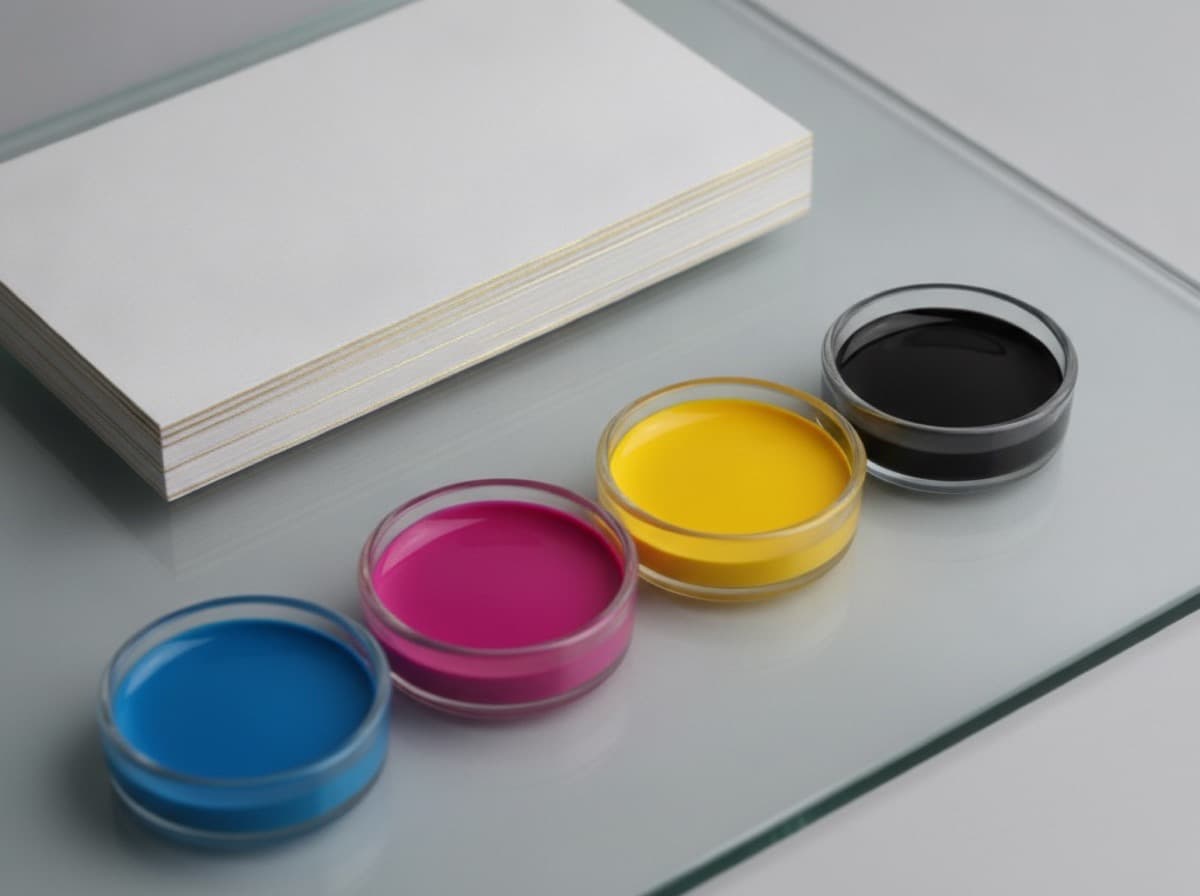
CMYK vs RGB for Business Card Printing
CMYK and RGB are two different systems for producing color, and business card printing uses one of them — CMYK — while computer screens use the other. If you design in RGB and submit an RGB file, the…
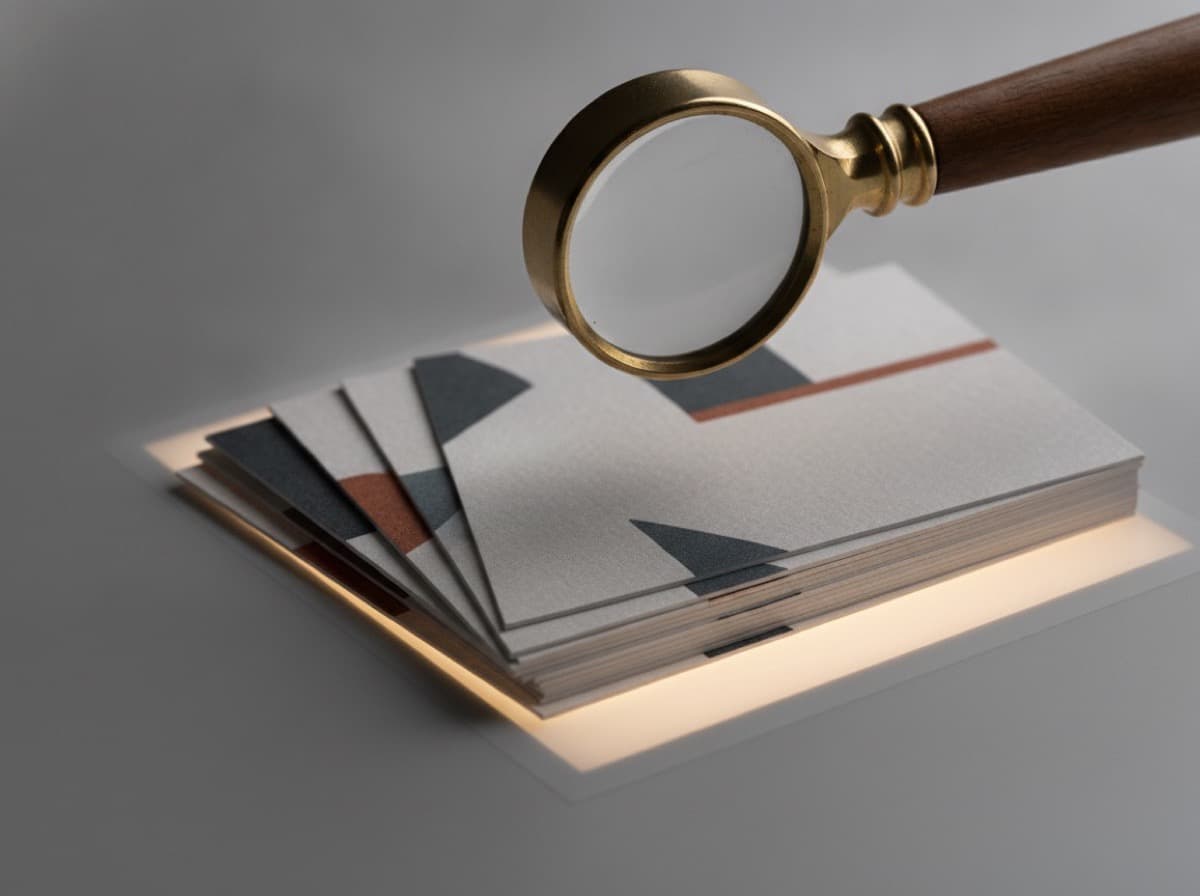
What Resolution and DPI Do Business Cards Need?
Business card print resolution needs to be at least 300 dots per inch (dpi) at the final card size — and this number catches out designers who work primarily on screen, where 72dpi looks perfectly…