Round Corner Business Cards: Design Guide and When to Use Them
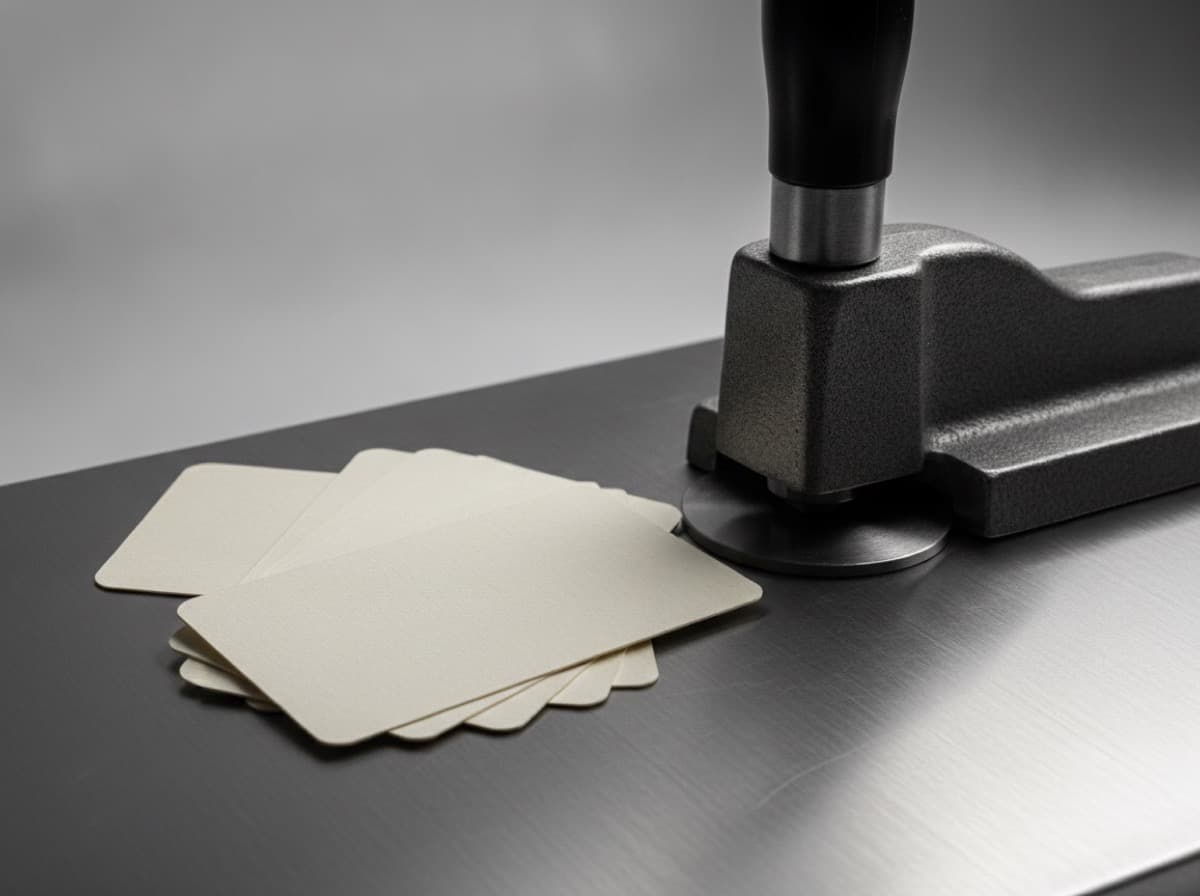
Round corners are one of the most popular business card modifications — and one of the most commonly misunderstood. When they work, rounded corners make cards feel distinctly tactile, modern, and premium. When they don't work, they add cost without improving impact.
This guide explains when round corners are worth it, how to set up your design, and the technical details you need to know.
What Round Corners Do
Standard business cards have square 90° corners. Round corner cards use a die-cutting step to replace those sharp corners with a curved radius, typically between 0.125" and 0.375" (3mm to 10mm).
The effect is:
- Tactile: Rounded edges register differently in the hand — smoother, softer
- Modern: Sharp corners feel traditional and corporate; rounded feel more contemporary
- Distinctive: Most cards have square corners, so round corners immediately stand out in a stack
- Premium signal: The additional die-cutting step signals extra investment
Radius Options
Standard Radii in US Printing
| Corner Radius | Appearance | Best For | |---|---|---| | 0.125" (1/8") | Subtle rounding — corner slightly softened | Conservative rounding, formal contexts | | 0.1875" (3/16") | Medium rounding — noticeable but restrained | Most versatile option | | 0.25" (1/4") | Distinct rounding — clearly rounded | Modern brands, creative professionals | | 0.375" (3/8") | Bold rounding — approaching semi-circular corners | Statement cards, high-tech brands | | 0.5" (1/2") | Very bold — corners are visually dominant | Premium tech, entertainment, fashion |
Most popular choice: 0.25" (6mm) radius balances distinctiveness and readability.
Metric equivalents: 3mm ≈ 0.125", 6mm ≈ 0.25", 10mm ≈ 0.375"
Corner Consistency
All four corners are rounded to the same radius — mixing corner radii on a single card is not standard and would require custom die work.
When Round Corners Improve Your Card
Round corners are a genuine improvement when:
1. Your brand is modern or design-forward Tech companies, creative agencies, designers, and startups benefit from rounded corners because they signal contemporary aesthetics and attention to experience design.
2. You're in a soft-feel material environment If you're printing on soft-touch matte laminate or uncoated textured stock, round corners amplify the tactile premium feel.
3. You want to stand out in a specific professional context In industries where most cards are standard square-corner corporate cards (finance, law, consulting), a beautifully designed round-corner card creates immediate contrast and memorability.
4. Your design has organic or circular elements Cards with circular logo marks, rounded design elements, or organic shapes are naturally complemented by rounded corners. The geometry echoes.
5. You're using full-bleed color or photography Full-bleed cards with bright colors or images look particularly strong with rounded corners — the soft corner makes the bold design less visually aggressive.
When Round Corners Don't Improve Your Card
1. Ultra-conservative professional contexts Law firms, investment banks, and certain government or academic contexts have card norms that skew traditional. A beautifully designed square-corner card may be more appropriate than an unusual rounded one.
2. When your design has hard geometric elements that work against rounding A card with strong grid-based layout and sharp geometric elements can look visually inconsistent with rounded corners.
3. Budget is a primary constraint Round corner die-cutting adds cost — typically $5-15 per 100 cards over standard cutting. If budget is tight, invest in better paper stock over corner treatment.
Design Adjustments for Round Corner Cards
Keep Content Away from Corners
With square corners, content near corners is merely close to the edge. With rounded corners, the content IS near the rounded area — and any text or design element that extends into the corner radius area will be cut off.
Safety rule for round corners: Keep all content at least 0.25" plus the corner radius from the corner point.
For 0.25" radius cards, content should be 0.5" from the card corner (measured diagonally).
Practical implication: Avoid text or important design elements in the corner quadrants of a round-corner card.
Background Design with Round Corners
Solid backgrounds: No adjustment needed — a solid color extends to the rounded edges automatically.
Patterned or textured backgrounds: Make sure your pattern or texture isn't content you care about specifically at the corners — the rounding will clip those corner pixels.
Full-bleed images: Full-bleed photography with rounded corners looks particularly premium. The corner rounding creates a polished, app-icon-like quality. Ensure the image extends into the bleed area (the round corner cut is made after printing, just like any die cut).
Frame or Border Designs
If your card has a rectangular border or frame element, rounded corners require a choice:
- Round the frame to match: The interior border radius should be proportional to the card's corner radius
- Remove the frame: Let the card shape BE the frame
- Stop the border before the corners: Leave corner areas as background only
A square border on a round-corner card looks like a design mistake. Decide which geometry you want and commit.
Technical Setup
In Adobe Illustrator
- Create your artboard at 3.75 × 2.25 inches (standard business card + bleed)
- Draw a rounded rectangle at 3.5 × 2 inches with your chosen corner radius
- Use this as a clipping mask or visual guide for content placement
- Set up bleed as normal (backgrounds extend to the artboard edge, not the rounded rectangle)
- In your PDF export or printer instructions, specify the corner radius
Note: You design the rounded corner shape for your reference, but the printer's die cutter physically creates the round corners — your PDF is still rectangular.
Indicate Corner Radius in Ordering
When ordering round corner cards:
- Specify the corner radius: "0.25 inch corner radius" or "6mm corner radius"
- Confirm all four corners are rounded (standard assumption, but worth confirming)
- Confirm the radius matches what's available in the printer's die inventory
Proof Before Ordering Full Quantity
Round corner die-cutting adds a physical step. Order a proof (5-10 cards) before running your full quantity to verify:
- The radius looks as expected
- Content near corners hasn't been clipped
- The full-bleed background extends to the curved edges properly
Cost Considerations
Round corners typically add:
- Short runs (100-250 cards): +$8-20 over standard square cutting
- Medium runs (500-1,000): +$10-30
- Large runs (2,500+): Proportionally smaller percentage increase
Compare this to: upgrading paper stock quality (often the better investment), adding spot UV ($15-40), or going from single-sided to double-sided.
Priority order for premium investment:
- Better paper stock (tactile improvement on every touch)
- Double-sided design (double the content and visual impact)
- Spot UV or foil (visual luxury)
- Round corners (distinctive but a smaller perceptible improvement than stock or finish upgrades)
Checklist
- [ ] Corner radius decided (0.125", 0.25", 0.375", etc.)
- [ ] Content and design elements clear of corner areas
- [ ] Background and full-bleed design extends to rectangular bleed edge (printer handles the rounding)
- [ ] Rounded corner radius specified in print order
- [ ] Any border or frame elements adjusted for consistency with corner radius
- [ ] Proof ordered before full quantity run
Get 10% off your first order
Join our list for practical printing guides, new finish ideas, and a welcome coupon for your first order.
No spam. Unsubscribe anytime.
Ready to put these tips into print?
Order Business CardsNot sure which option fits? Ask Pro Card Crafters