Business Card Dimensions: Standard Sizes in the US and Beyond
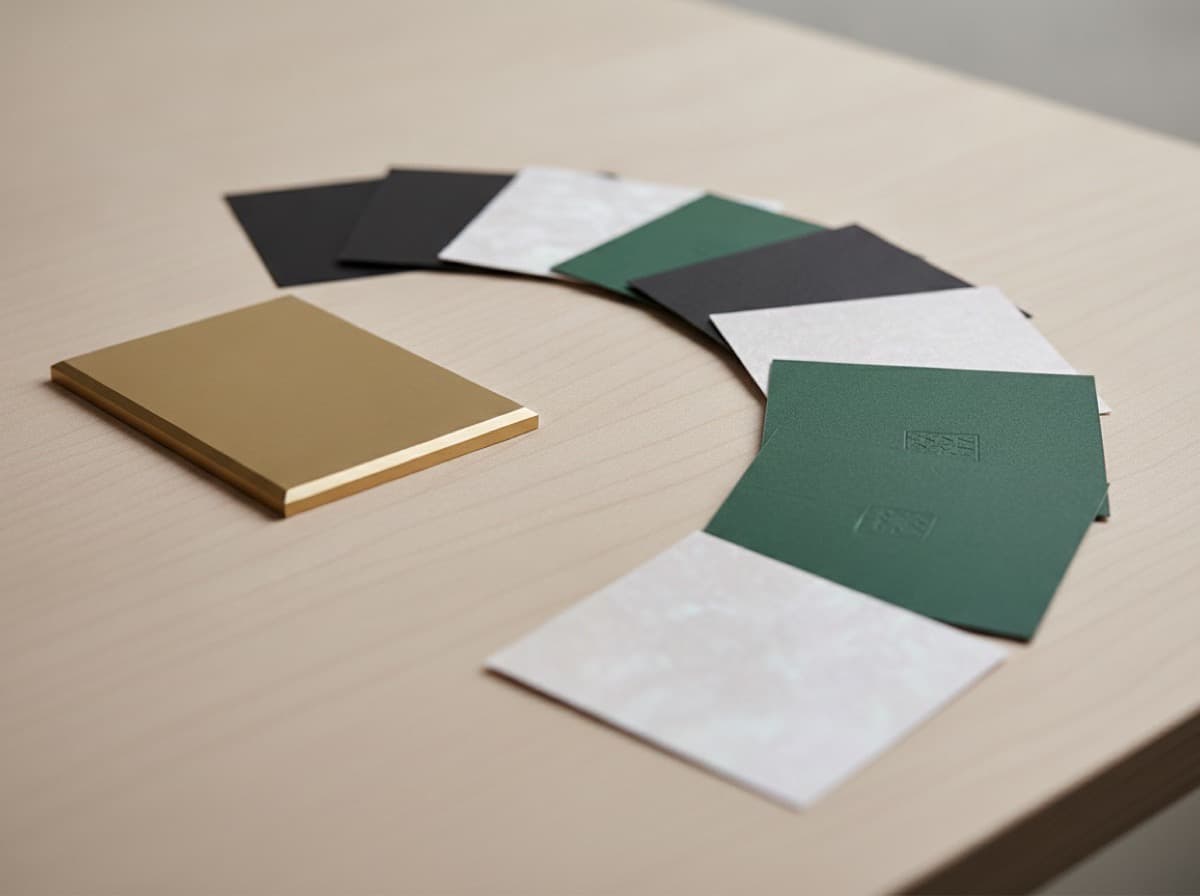
The standard business card size in the US is 3.5 x 2 inches (89 x 51 mm), and that single dimension quietly governs almost every design and print decision you make. Get it right and your card slides into wallets, cardholders, and Rolodex slots the world expects; get it wrong and it either looks cramped or refuses to fit anywhere. This guide covers the exact US business card size, international variations, and the bleed and safe-zone measurements you need before you send a file to print.
What is the standard US business card size?
In the United States and Canada, the standard business card measures 3.5 inches wide by 2 inches tall (3.5 x 2 in, or 89 x 51 mm) in landscape orientation. This has been the default for decades, and it is the size nearly every wallet slot, business card case, and scanner tray is built to hold.
That familiarity is the whole point. A card cut to the standard dimension disappears into the pocket of the person you hand it to and reappears later exactly where they expect it. An oversized or oddly proportioned card creates a small friction every time someone tries to file it, and friction is the enemy of a card that is supposed to keep working long after the handshake.
A few practical notes on the standard:
- The 3.5:2 ratio (1.75:1) is what most templates, die lines, and cutting equipment assume by default.
- Corners are typically square, though rounded corners with a 1/8 in (about 3 mm) radius are a common, subtle variation.
- Both portrait (2 x 3.5 in) and landscape (3.5 x 2 in) use the same footprint — only the artwork rotates. If you are weighing that choice, our guide on vertical vs horizontal cards walks through the layout tradeoffs.
How do international business card sizes compare?
If you network across borders, size matters more than most people realize. A card sized for one region can sit awkwardly in another country's cardholders. Here are the most common standards.
| Region | Dimensions (in) | Dimensions (mm) | Ratio | |--------|-----------------|-----------------|-------| | US / Canada | 3.5 x 2 | 89 x 51 | 1.75:1 | | Europe (ISO-ish) | 3.35 x 2.17 | 85 x 55 | 1.55:1 | | UK / Australia | 3.35 x 2.13 | 85 x 55 | 1.57:1 | | Japan | 3.58 x 2.17 | 91 x 55 | 1.65:1 | | Oceania (common) | 3.54 x 2.17 | 90 x 55 | 1.63:1 |
The European 85 x 55 mm size is the same footprint as a credit card, which is why it feels natural in European wallets. The Japanese meishi runs slightly taller. None of these are dramatically different, but the proportions are — a US card is noticeably longer and thinner than a European one.
Which size should you print?
Print for the audience you hand cards to most. A US-based professional networking domestically should use 3.5 x 2 in without a second thought. If you attend international conferences or do most of your business in Europe or Japan, consider printing a batch in the regional standard, or choose the credit-card-proportioned 85 x 55 mm as a reasonable global compromise.
What are bleed, trim, and safe zone?
The size you design at is not the size that gets cut. Commercial printing works with three nested boundaries, and understanding them prevents the two most common rejects: white slivers on the edge and text that gets sliced off.
- Bleed is extra artwork that extends past the final cut line — usually 1/8 in (0.125 in / 3 mm) on all sides. Any background color or image that should reach the edge must extend into the bleed so that slight shifts during cutting never expose the white paper underneath.
- Trim is the final cut line — the actual 3.5 x 2 in edge of the finished card.
- Safe zone is an inset margin, also about 1/8 in (3 mm) inside the trim, where you keep all text, logos, and anything you cannot afford to lose. Blades and stacks drift by tiny amounts, and the safe zone is your buffer.
So a standard US card is set up like this:
| Boundary | Width (in) | Height (in) | |----------|-----------|-------------| | Bleed (full document) | 3.75 | 2.25 | | Trim (final card) | 3.5 | 2.0 | | Safe zone (keep text inside) | 3.25 | 1.75 |
Think of it as concentric rectangles: background art fills the outer bleed box, the card is cut at the middle box, and your words live inside the inner box. For a full walkthrough of setting these up correctly, see our guide on print-ready file setup.
What resolution and color settings go with the size?
Getting the dimensions right is only half the setup. The file also has to carry enough detail and the correct color mode for the press.
- Resolution: Build raster artwork at 300 DPI at final size. At 3.5 x 2 in with bleed, that means a document roughly 1125 x 675 pixels (3.75 x 2.25 in at 300 DPI). Lower resolution looks soft or pixelated once printed.
- Color mode: Design in CMYK, not RGB. Screens display in RGB, but presses lay down CMYK inks, and colors that glow on a monitor can shift when converted. Convert early so you are designing with the colors you will actually get.
- Vector where possible: Logos and text are sharpest as vector art, which stays crisp at any size and never pixelates.
These settings pair with the dimensions to make a file the press can accept on the first pass rather than kicking back for revisions.
Does thickness count as a "dimension"?
The 3.5 x 2 in footprint is only the flat area. The third dimension — thickness — has just as much impact on how a card feels in hand, and it is measured differently from width and height.
Thickness is expressed in points (pt) in the US, where 1 pt equals 1/1000 of an inch, or in GSM (grams per square meter) elsewhere. Common ranges run from lighter everyday stocks to heavyweight premium cards that feel substantial and resist bending. A thicker card signals quality the instant someone picks it up, and it can be a bigger driver of perceived value than any color choice. Our thickness and GSM guide breaks down which weight suits which use, and the broader paper and coating comparison covers how stock choice interacts with feel and durability.
How does size affect layout and finishes?
Two by three and a half inches is a small canvas, and every finish or design element has to earn its place within it.
- Text hierarchy: Reserve the largest type for the name, step down for the title, and keep contact details compact. The safe zone leaves you roughly 3.25 x 1.75 in of usable space — plan around it rather than fighting the edges.
- Finishes need room: Effects like premium finishes such as foil or spot gloss read best when they have breathing space. On a card this size, one focal finish usually beats several competing ones.
- Orientation: Rotating to portrait does not change the footprint, but it does change how the eye scans the card. Vertical layouts suit stacked, centered information; horizontal layouts suit left-to-right reading.
- Networking function: Because the card is small, prioritize what a new contact actually needs. Our guide to networking card design covers how to make those inches convert into follow-ups.
Bottom line
The standard US business card is 3.5 x 2 inches (89 x 51 mm), and building your file around that dimension — plus a 1/8 in bleed and a 1/8 in safe zone — is the foundation of a clean, professional print. Match the regional size to the people you hand cards to, design in CMYK at 300 DPI, and treat thickness as the dimension that quietly signals quality. Nail the measurements first, and every design decision after that has a solid frame to sit in.
Frequently Asked Questions
What is the exact standard business card size in inches and mm?
The standard US business card is 3.5 x 2 inches, which converts to 89 x 51 mm. This landscape footprint is the default across the United States and Canada and is what most templates, wallets, and cardholders are built around.
How much bleed does a business card need?
Most printers require 1/8 inch (0.125 in / 3 mm) of bleed on all four sides. Extend any background color or image into that bleed area so slight cutting shifts never leave a white edge on the finished card.
Is a European business card the same size as a US one?
No. The common European size is 85 x 55 mm (about 3.35 x 2.17 in), the same footprint as a credit card, which is shorter and slightly taller than the US 3.5 x 2 in card. If you network internationally, consider printing a regional batch or using the 85 x 55 mm size as a global compromise.
Can I make a business card a non-standard size?
You can, and die-cut or oversized cards can stand out, but they may not fit standard wallets and cardholders, which can hurt how often the card is kept and reused. Non-standard sizes also affect cost and lead time, so weigh the visual impact against everyday practicality before committing.
What DPI should a business card file be?
Build raster artwork at 300 DPI at final print size. For a 3.5 x 2 in card with bleed, that works out to roughly 1125 x 675 pixels, and keeping logos and text as vector art keeps them crisp regardless of scale.
Does portrait orientation change the business card dimensions?
No. A portrait card uses the same 3.5 x 2 in footprint rotated to 2 x 3.5 in — only the artwork changes orientation, not the overall size. Wallets and cardholders accommodate either layout equally well.
Get 10% off your first order
Join our list for practical printing guides, new finish ideas, and a welcome coupon for your first order.
No spam. Unsubscribe anytime.
Ready to bring this design to life?
Order Premium CardsNot sure which option fits? Ask Pro Card Crafters